How to select account to use in a campaign in Instantly
Here is how to select account to use in a campaign in instantly
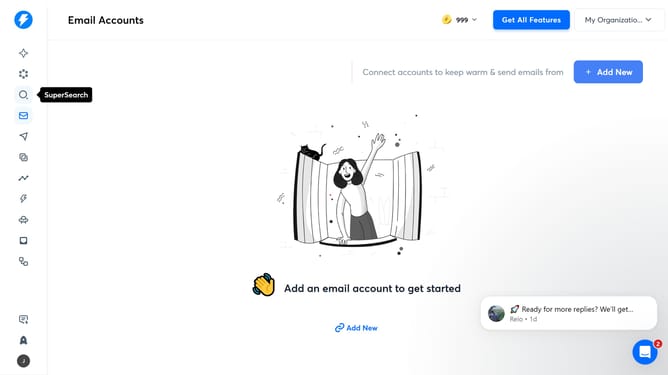
- First click on the 'Campaigns' icon in the left sidebar
- Then click on the campaign from the campaign list to open it
- Next click on the 'Options' button in the top menu
- Then click on the dropdown arrow in the 'Accounts to use' section
- Then select an option from the dropdown list
- Finally click on the 'Save' button
Why should you select account to use in a campaign in Instantly
Instantly streamlines your marketing efforts by managing email campaigns with ease and precision.
The feature of selecting an account to use in a campaign empowers marketers to tailor their strategy efficiently. Selecting the right account allows users to focus their efforts on specific target audiences, enhancing engagement and optimizing results.
By choosing the appropriate account, marketers can ensure their messaging is aligned with their overall campaign objectives, resulting in higher conversion rates and effective communication. This clarity and customization emphasize Instantly’s commitment to user-friendly campaign management.
Last update