How to delete list in Instantly
Here is how to delete list in instantly
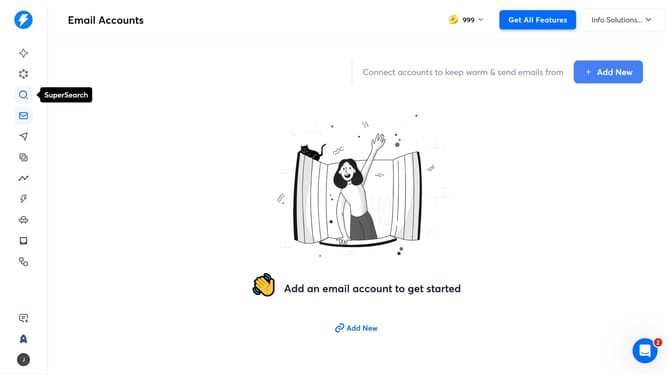
- First click on the search icon in the sidebar
- Then click on the "Lead Lists" tab in the top menu
- Next, select the list that you want to delete from the left sidebar
- Then click on the "Actions" button in the top menu
- Then select "Delete List" from the dropdown menu
- Finally click on the "Delete" button to confirm
Why should you delete list in Instantly
Instantly is a powerful tool designed to streamline email communication and enhance productivity.
The ability to delete lists in Instantly helps users keep their workflow organized and efficient. It allows individuals to manage their contacts effectively by removing outdated or unnecessary lists with ease.
This feature not only simplifies your digital workspace but also ensures that you focus on the most relevant and updated contacts, thus optimizing your email strategy.
By maintaining an uncluttered interface, Instantly supports a more productive and focused working environment.
Last update