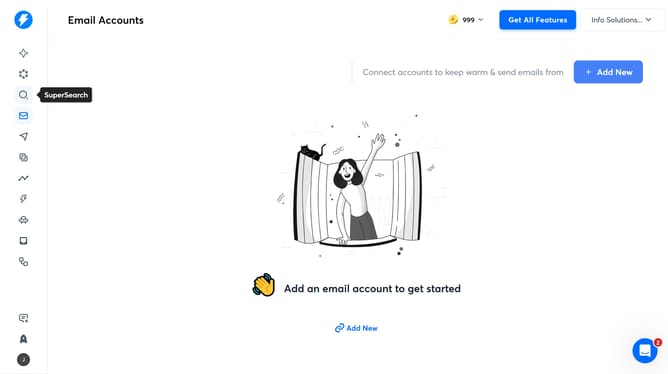
How to delete an automation in Instantly
Here is how to delete an automation in instantly
- First click on "Automations" in the sidebar
- Then click on the three-dot menu icon
- Then click on the "Delete" option
- Finally click on the "Delete" button to confirm
Why should you delete an automation in Instantly
Instantly is your go-to platform for seamless email marketing automations.
Streamlining email campaigns often leads to a cluttered workspace, making the ability to delete automations crucial.
This feature ensures that users can maintain organized and efficient workflows by easily removing outdated or unnecessary processes.
Decluttering enhances focus and productivity, allowing marketers to dedicate time to creating more impactful strategies.
Last update