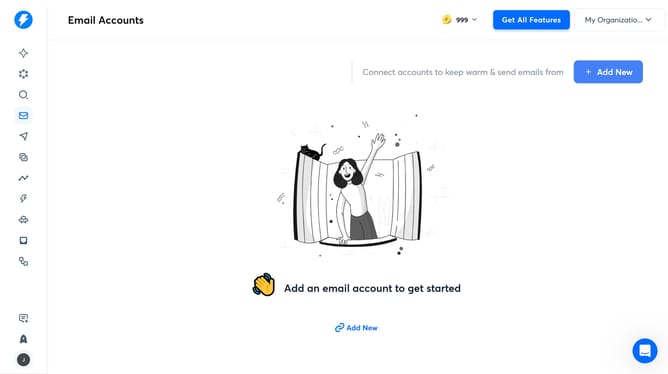
How to search leads by number of employees in Instantly
Here is how to search leads by number of employees in instantly
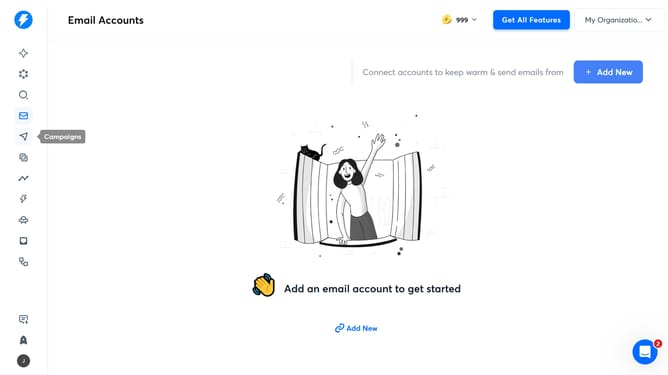
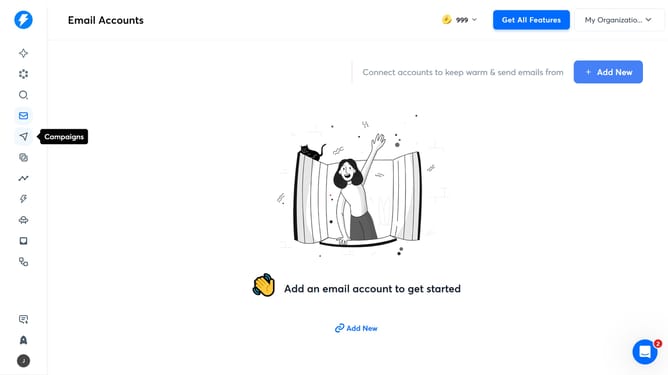
- First click on the search icon in the left sidebar.
- Then click on "Employees" in the left sidebar.
- Finally click on an option in the dropdown menu
Why should you search leads by number of employees in Instantly
Instantly is a powerful tool designed to streamline lead generation and enhance marketing strategies.
Searching leads by the number of employees in Instantly enables users to target specific company demographics with ease. By utilizing this feature, businesses can refine their outreach to companies that align with their services or product size.
This targeted approach not only optimizes marketing efforts but also increases the likelihood of success in lead conversion, ensuring that companies contact high-probability prospects efficiently.
Last update