How to disable company reply stop in an email campaign in Instantly
Here is how to disable company reply stop in an email campaign in instantly
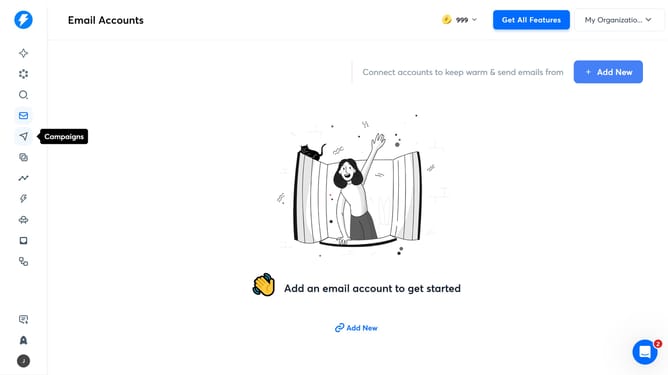
- First click on the 'Campaigns' icon in the sidebar
- Then click on the campaign title to open it
- Next, click on the 'Options' button in the header
- Then click on the 'Show advanced options' dropdown
- Next, unclick on the checkbox next to 'Enable company reply stop'
- Finally, click on the 'Save' button at the bottom of the page
Why should you disable company reply stop in an email campaign in Instantly
Instantly is designed to revolutionize your email marketing strategy efficiently and effortlessly.
One of its valuable features is the ability to disable the company reply stop in email campaigns, offering a seamless experience for marketers.
Disabling this feature can ensure smoother communication, allowing campaign managers to maintain the desired flow of email replies without interruptions.
This flexibility enhances the efficiency of campaigns, facilitating uninterrupted conversation threads, which can lead to improved engagement and a strengthened rapport with the audience.
Last update