How to manage timezone of a schedule in a campaign in Instantly
Here is how to manage timezone of a schedule in a campaign in instantly
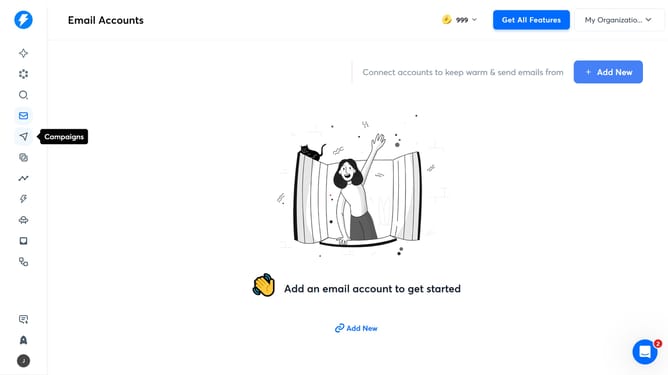
- First click on the compass icon in the left sidebar
- Then click on a campaign from the campaign list
- Next, click on the 'Schedule' tab in the campaign details
- Then click on the "Timezone" dropdown
- After that click on an option from the timezone dropdown
- Finally click on the 'Save' button.
Why should you manage timezone of a schedule in a campaign in Instantly
Instantly is a powerful tool designed to streamline your campaign management effortlessly.
Managing the timezone of a schedule in a campaign with Instantly ensures that your message reaches the audience exactly when you want it to, regardless of their time zone.
This feature is invaluable for campaigns targeting international audiences as it optimizes delivery time for various regions.
By aligning your schedule with the target audience's local time, you enhance engagement and effectiveness of your marketing efforts.
Last update