How to delete saved searches in Instantly
Here is how to delete saved searches in instantly
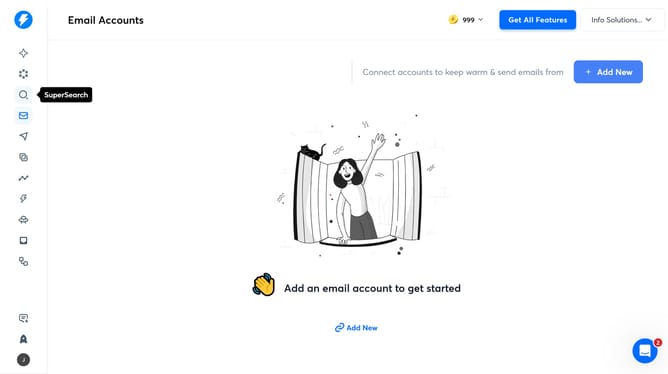
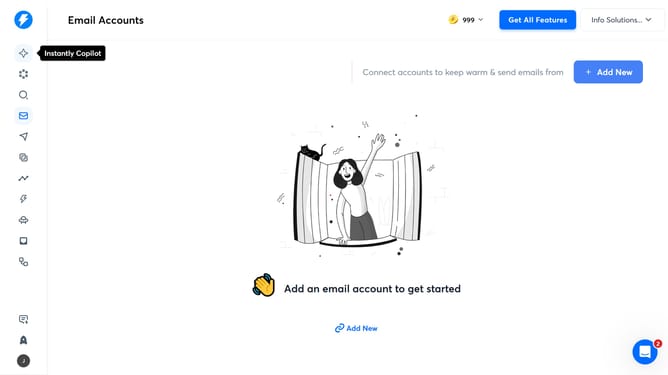
- First click on the 'Search' icon in the left sidebar
- Then click on the 'Trash can' icon next to 'Entry new search'
- Finally click anywhere in the screen to confirm updated saved searches
Why should you delete saved searches in Instantly
Instantly is designed to streamline your email outreach with maximum efficiency and ease.
The feature to delete saved searches in Instantly provides users with the flexibility to update and manage their search data effortlessly.
As projects evolve, removing outdated or irrelevant searches keeps your workspace organized and your strategy refined.
The ability to clear saved searches ensures that your focus remains on the most pertinent data, enhancing productivity and fostering a more responsive user experience.
Last update