How to disable analytics for Instantly Copilot in Instantly
Here is how to disable analytics for instantly copilot in instantly
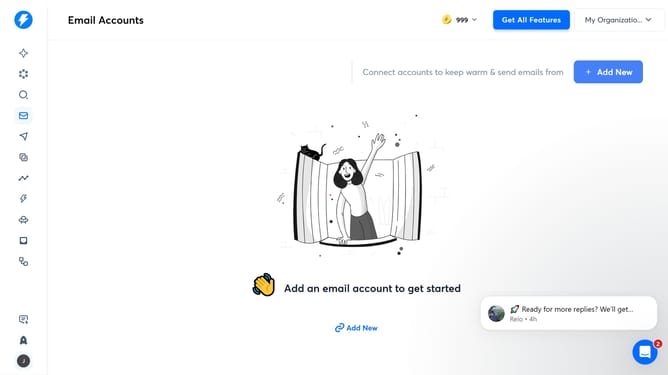
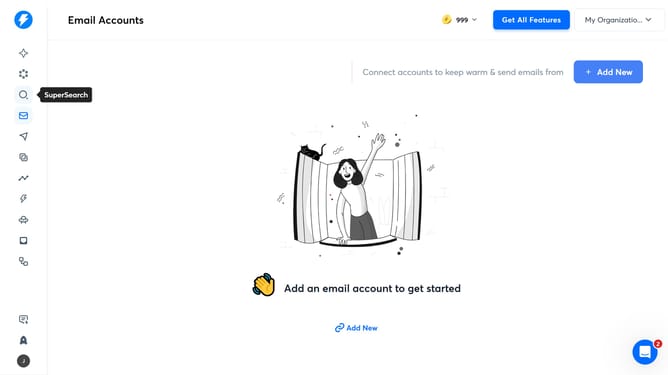
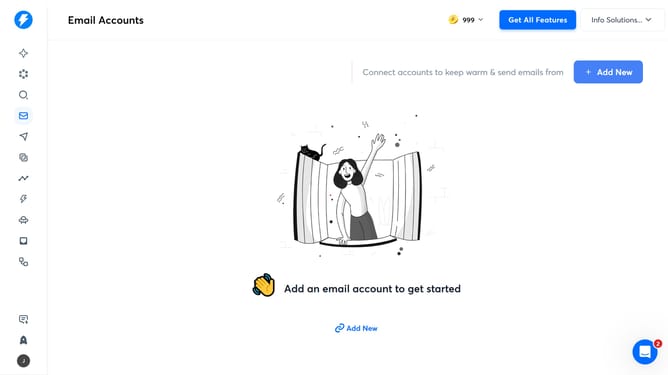
- First, click on the "Instantly Copilot" icon in the left sidebar
- Then, click on the "Settings" option in the left sidebar
- Next, click on the "Disable" button
- Finally, click on the "Save" button
Why should you disable analytics for Instantly Copilot in Instantly
Instantly is a powerful tool designed to streamline and enhance your digital interactions with ease.
The ability to disable analytics for Instantly Copilot in Instantly offers users increased control over their data privacy.
By opting to disable these analytics, you can focus on using Instantly's core functionalities without any background data tracking, ensuring a more personalized and private experience.
This feature benefits users who are keen on maintaining their own analytics oversight, contributing to greater trust and transparency.
Last update