How to disable risky emails on Instantly
Here is how to disable risky emails on instantly
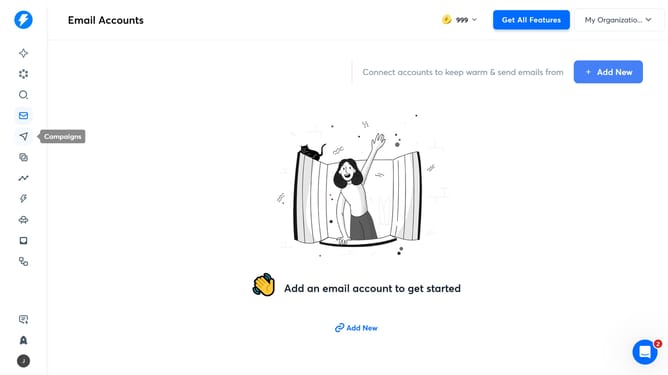
- First, click on the "Campaigns" icon in the left sidebar
- Then, click on the "My Campaign 2026" draft in the campaign list
- Next, click on the "Options" button within the campaign details
- Now, click on the "Show advanced options" button
- Then, uncheck the box next to "Enable risky emails"
- Finally, click on the "Save" button to confirm changes
Why should you disable risky emails on Instantly
Instantly is a robust tool designed for streamlining email campaign management with ease.
One valuable feature it offers is the ability to disable risky emails, which helps maintain your email performance and protect your sender reputation.
By disabling risky emails, you ensure that only credible, authentic messages get through, reducing bounce rates and potentially increasing engagement.
Employing this feature not only enhances deliverability but also safeguards your communication from falling into spam folders, keeping your outreach efforts efficient and productive.
Last update