How to manage start time of a schedule in a campaign in Instantly
Here is how to manage start time of a schedule in a campaign in instantly
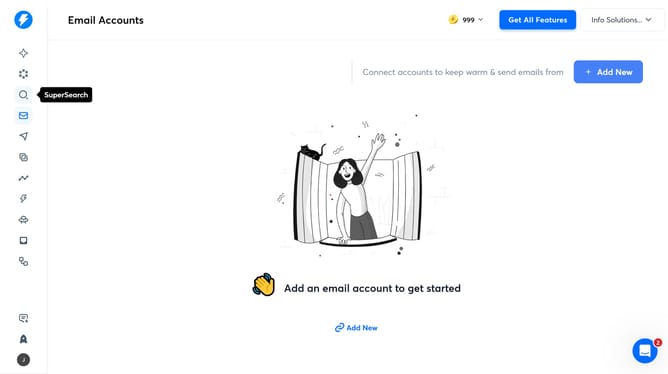
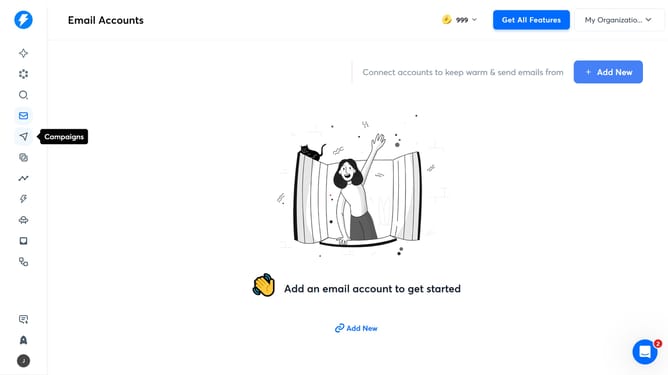
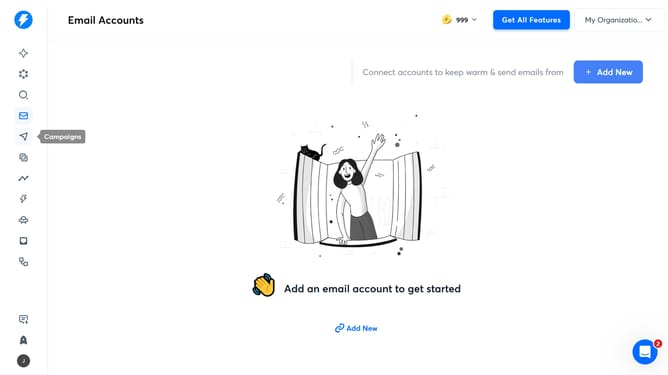
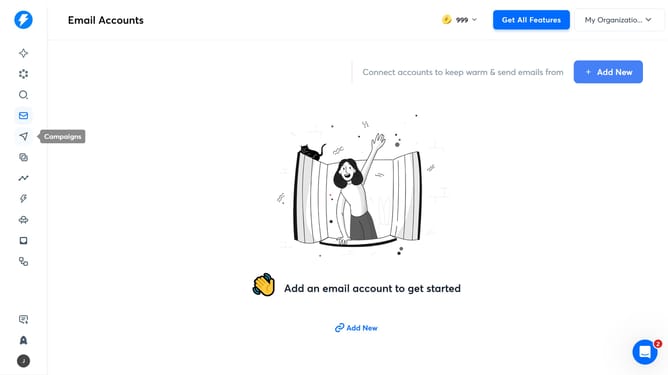
- First, click on the "Campaigns" icon in the left sidebar
- Then, click on a campaign from the campaign row
- Next, click on the "Schedule" tab to configure the schedule settings
- Then, click on the "From" dropdown list
- After that, click on the a time slot to set the start time
- Finally, click on the "Save" button to confirm the schedule changes
Why should you manage start time of a schedule in a campaign in Instantly
Instantly is a streamlined tool designed to optimize and automate your marketing campaigns with ease.
Managing the start time of a schedule in a campaign on Instantly allows users to precisely control when their campaigns begin. This feature ensures that your marketing efforts align with optimal engagement times, increasing the likelihood of reaching your audience when they are most active.
By fine-tuning schedule start times, businesses can enhance the effectiveness of their campaigns, leading to better resource management and an improved impact on target audiences. This capability helps maintain consistency in messaging and maximizes return on investment.
Last update