How to set timezone for campaign limit reset in Instantly
Here is how to set timezone for campaign limit reset in instantly
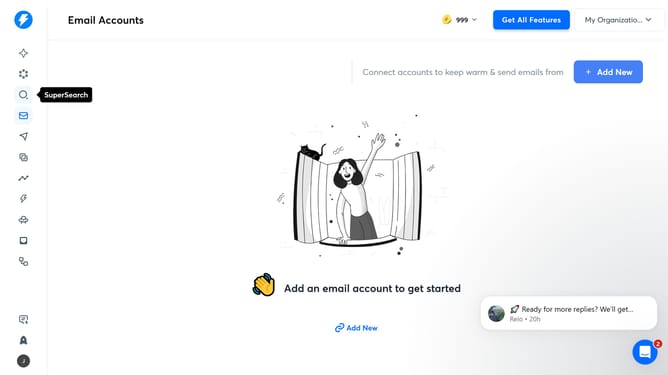
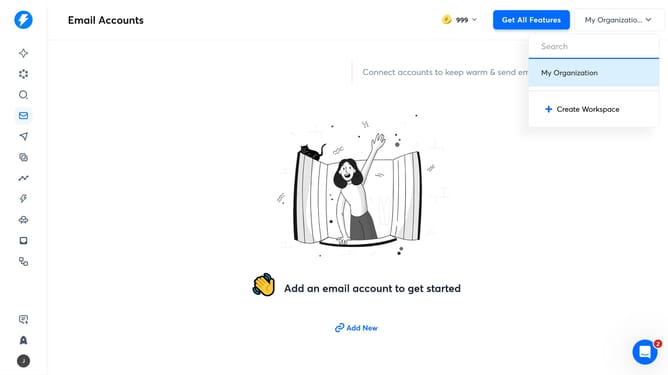
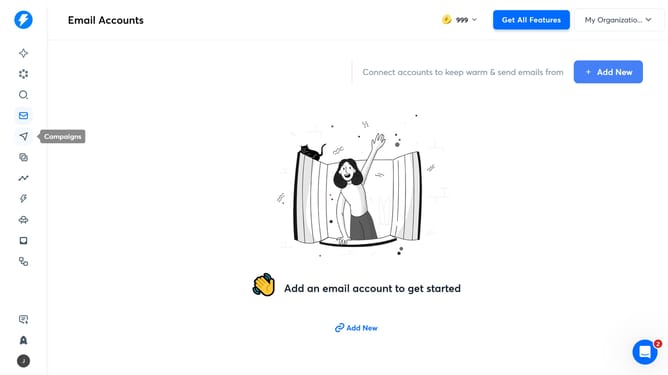
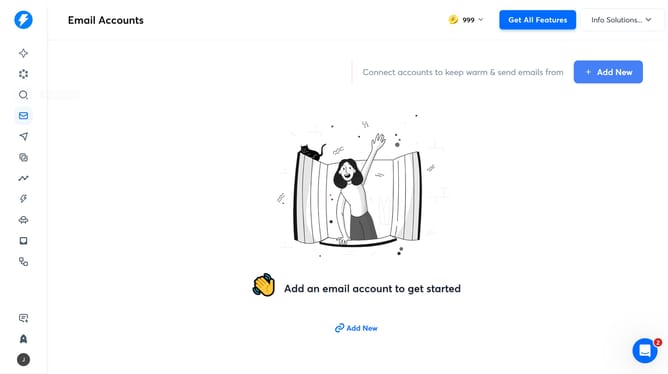
- First click on the user profile icon in the left sidebar
- Then click on "Settings" in the sidebar menu
- Next, click on the "Preferences" tab in the header
- Then click on the "Timezone for campaign limit reset" dropdown
- Select from the timezone options
- Finally, click on the "Save" button
Why should you set timezone for campaign limit reset in Instantly
Instantly is the go-to platform for managing dynamic email campaigns with ease.
Setting the timezone for campaign limit resets is a valuable feature that ensures your email campaigns are always in sync with your target audience. This feature provides flexibility, allowing marketers to strategize campaign deployments effectively.
By aligning resets with specific timezones, you can maximize engagement rates and avoid sending limits, resulting in more efficient use of resources and enhanced campaign performance.
Last update