How to select custom tag in an email campaign in Instantly
Here is how to select custom tag in an email campaign in instantly
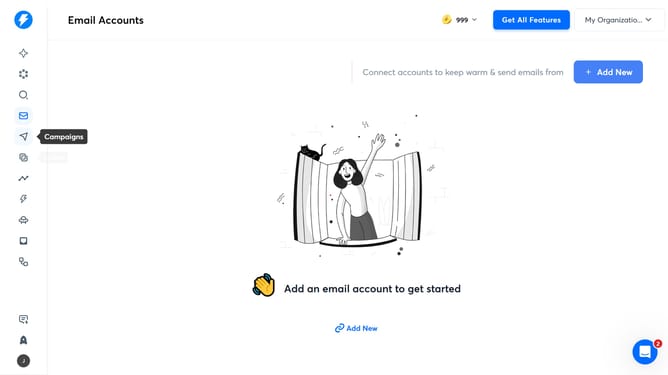
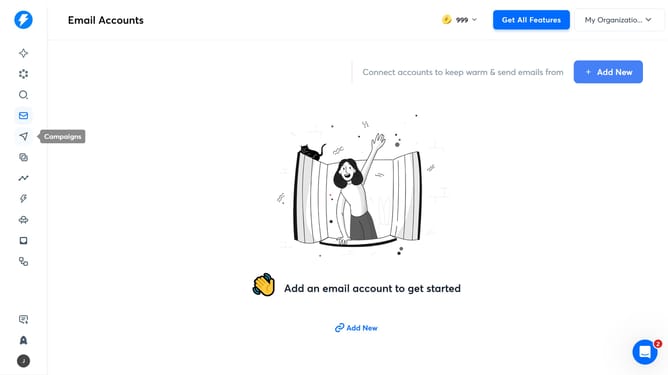
- First, click on the 'Campaigns' icon in the left sidebar
- Then click on the campaign title to open it
- Next, click on the 'Options' button
- After that, click on the 'Show advanced options' button
- Then, click on the dropdown arrow next to the 'Tags' input field
- Next, click on a tag from the dropdown list
- Finally, click on the 'Save' button
Why should you select custom tag in an email campaign in Instantly
Instantly is a powerful platform designed to streamline your email marketing efforts with ease and efficiency.
Selecting a custom tag in an email campaign in Instantly allows you to personalize communication, ensuring that each recipient receives content tailored to their preferences and behavior.
This feature is invaluable as it enhances engagement by making your emails more relevant and targeted, thus fostering stronger connections with your audience.
Utilizing custom tags not only improves open rates but also boosts conversion, making your marketing strategy more effective and resonant.
Last update