How to remove BCC recipients on every email in Instantly
Here is how to remove bcc recipients on every email in instantly
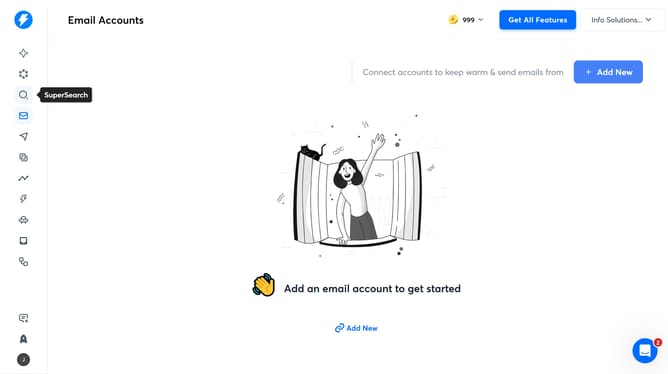
- First, click on the "Campaigns" icon in the left sidebar
- Then click on the campaign title to open it
- Next, click on the "Options" button
- Then delete the email address in the "BCC Recipients" input field
- Finally, click on the "Save" button
Why should you remove BCC recipients on every email in Instantly
Instantly is a dynamic tool designed to enhance your email experience with seamless automation.
Removing BCC recipients on every email within Instantly is a feature that provides a streamlined and personalized communication experience.
This feature allows users to maintain focused and more authentic interactions by ensuring that emails are sent exclusively to visible recipients.
By harnessing this tool, you elevate your email professionalism while safeguarding privacy and clarity in digital correspondence.
Last update