How to disable only showing notification in CRM in Instantly
Here is how to disable only showing notification in crm in instantly
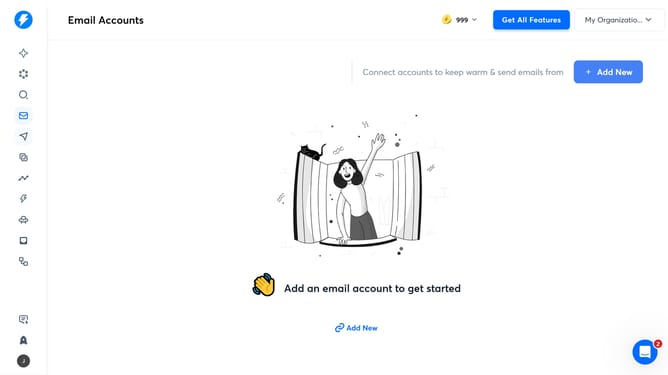
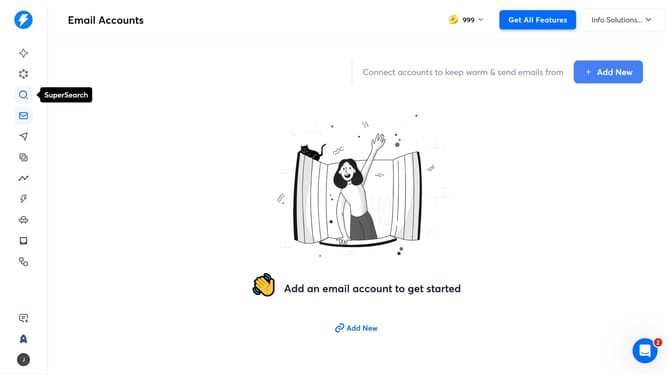
- First click on the user profile icon in the left sidebar
- Then click on the "Settings" option in the left sidebar
- Next, click on the "Preferences" tab in the settings menu
- After that, click on the toggle OFF switch next to "Only show notification in CRM"
- Finally click on the "Save" button to apply changes
Why should you disable only showing notification in CRM in Instantly
Instantly is a versatile tool designed to streamline your CRM operations and enhance communication efficiency.
One of its noteworthy features is the ability to disable only showing notifications within your CRM. This function ensures you can focus on critical tasks without being overwhelmed by non-essential alerts. By managing notifications smartly, you maintain a cleaner workflow and ensure essential information gets your attention when needed.
Enabling this feature helps you prioritize important updates, ultimately boosting productivity while reducing distraction. It's all about creating an optimized environment for better resource allocation and decision-making.
Last update