How to enable risky emails on Instantly
Here is how to enable risky emails on instantly
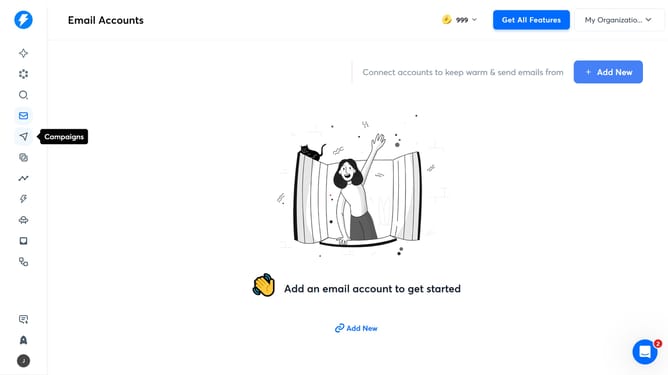
- First click on the send icon in the left sidebar
- Then click on the campaign name "My Campaign 2026"
- Then click on the "Options" button
- Then click on the "Show advanced options" button
- Then click on the checkbox next to "Enable risky emails"
- Finally click on the "Save" button
Why should you enable risky emails on Instantly
Instantly is a dynamic platform designed to optimize your email communications effortlessly.
The "Enable Risky Emails" feature on Instantly provides an advanced layer of flexibility, allowing you to reach contacts that might otherwise be missed due to strict filtering.
Enabling this feature can significantly enhance your outreach by allowing you to send emails to potentially high-value contacts, maximizing engagement opportunities while maintaining control over your communications.
This approach is particularly beneficial for campaigns where every connection matters.
Last update