How to pause an inbox placement test in Instantly
Here is how to pause an inbox placement test in instantly
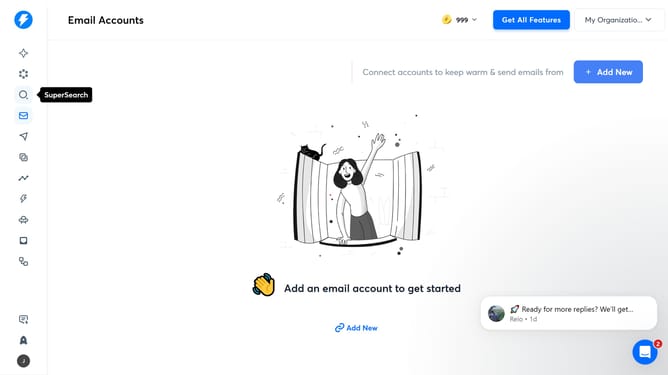
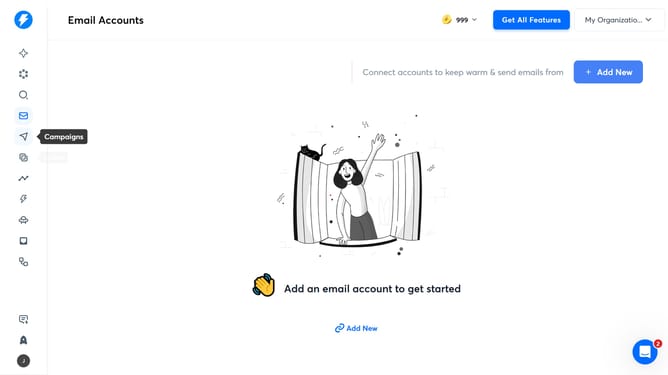
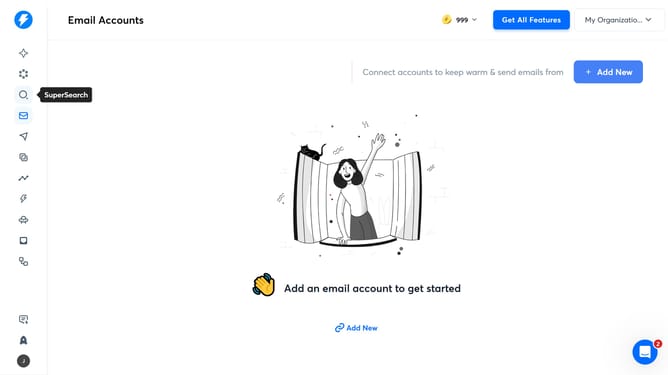
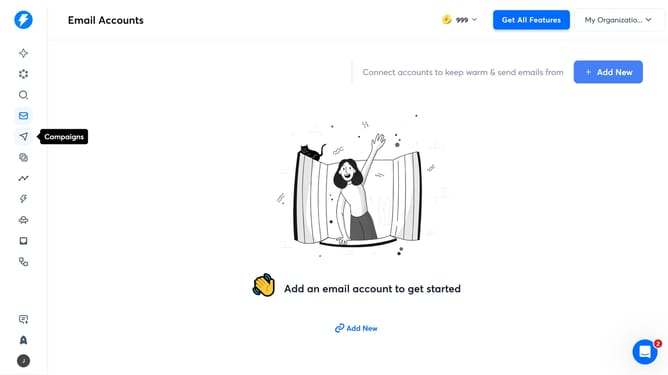
- First click on the "Inbox Placement" icon in the left sidebar
- Then click on a title item in the table
- Next click on the "Test Configuration" tab
- Finally click on the "Pause" button
Why should you pause an inbox placement test in Instantly
Instantly is a versatile platform designed to elevate your email marketing efficiency by ensuring optimal deliverability.
The feature allowing you to pause an inbox placement test is a powerful tool within Instantly's suite, providing users with enhanced control over their email testing environment.
By leveraging the pause functionality, marketers can strategically adjust their testing procedures without any interruptions, ensuring that resources are allocated efficiently and results remain untainted by external factors.
This capability ensures that campaign strategies stay flexible, allowing teams to adapt swiftly and maintain focus on core objectives.
Last update