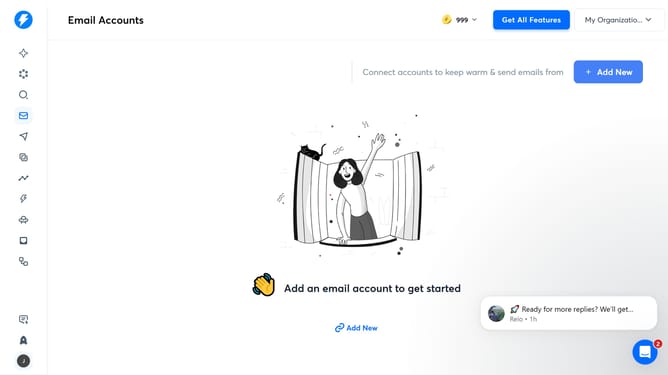
How to prevent automatically tagging out-of-office status in Instantly
Here is how to prevent automatically tagging out-of-office status in instantly
- First click on the user profile icon in the left sidebar
- Then click on "Settings" in the sidebar menu
- Next, click on the "Preferences" tab in the settings
- After that, toggle OFF the switch for "Automatically tag out-of-office status"
- Finally, click on the "Save" button
Why should you prevent automatically tagging out-of-office status in Instantly
Instantly is an innovative tool designed to optimize your workflow and streamline email communications.
Preventing the automatic tagging of out-of-office statuses in Instantly ensures that your messaging remains consistent and uninterrupted.
This feature is essential for maintaining the fluidity of daily operations, especially in high-paced environments that rely on regular communication.
By utilizing this feature, you minimize disruptions and maintain a professional appearance, fostering seamless interactions and uninterrupted productivity.
Last update