How to disallow playing audio notification for new messages
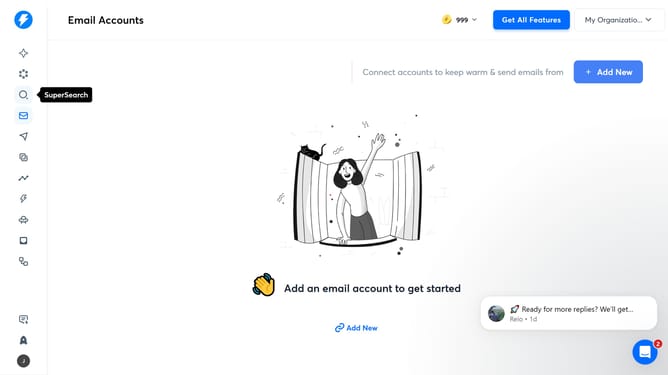
Here is how to disallow playing audio notification for new messages
- First click on the user profile icon in the left sidebar
- Then click on "Settings" in the left menu
- Next, click on the "Preferences" tab in the menu bar
- Then click on the "Play audio notification for new messages" toggle OFF
- Finally click on the "Save" button
Why should you disallow playing audio notification for new messages
Instantly is a cutting-edge communication platform designed to enhance your productivity and streamline interactions.
The feature to disallow playing audio notifications for new messages offers a peaceful work environment.
By muting notifications, you focus better on tasks without interruptions, maintaining concentration.
Additionally, you gain control over your notification preferences, customizing your experience to suit your work habits.
Last update