How to add notification recipients in Instantly
Here is how to add notification recipients in instantly
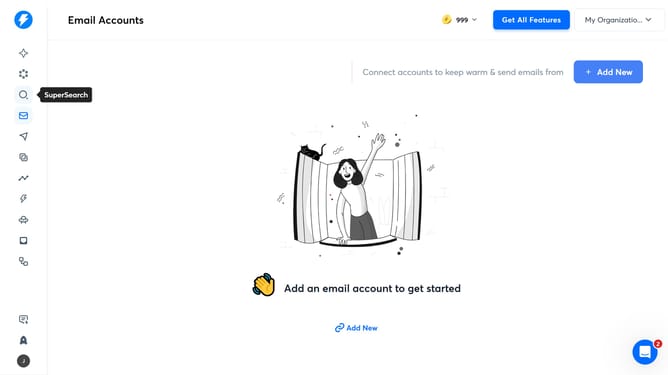
- First click on the user profile icon in the left sidebar
- Then click on the "Settings" option in the left sidebar menu
- Next click on the "Preferences" tab in the main section
- Then click on the dropdown for "Notification Recipients"
- Click on an option from the dropdown menu in the 'Notification Recipients' section
- Finally click on the "Save" button to apply the changes
Why should you add notification recipients in Instantly
Instantly is a robust tool designed to streamline communication and enhance productivity.
Adding notification recipients in Instantly is a feature that boosts collaboration by ensuring everyone stays updated and informed. This functionality allows users to seamlessly include team members who need to be alerted, ensuring critical information never gets lost.
By utilizing this feature, teams can maintain fluid communication, enhance responsiveness, and ensure tasks are executed efficiently, creating a more synchronized workflow.
Last update