How to search in Instantly Copilot in Instantly
Here is how to search in instantly copilot in instantly
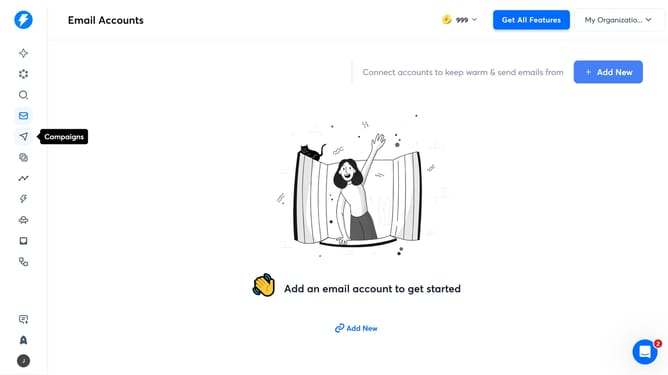
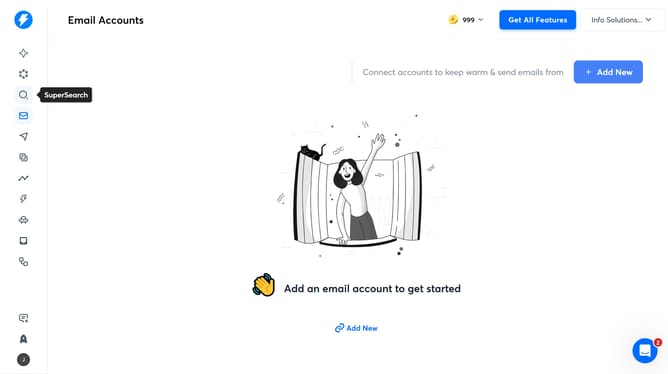
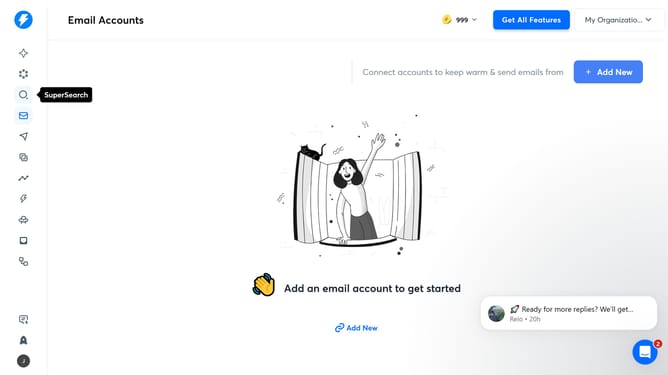
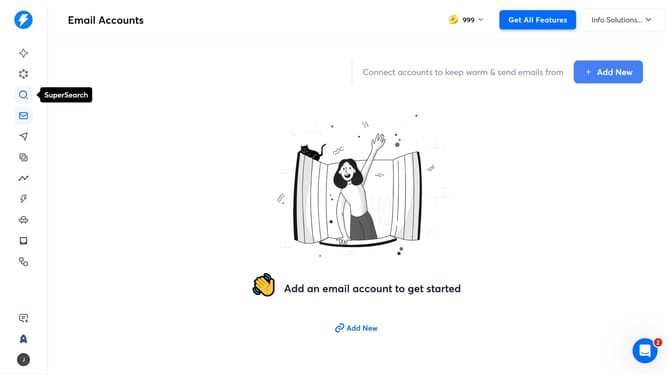
- First, click on the "Instant Copilot" section in the sidebar
- Then, click on the input field and enter what you want to search
- Finally, click on the arrow up icon
Why should you search in Instantly Copilot in Instantly
Instantly is a powerful tool designed to enhance your email marketing efficiency and results.
Searching within Instantly Copilot allows users to quickly locate and access specific data or information within the platform, streamlining workflow and improving productivity.
This feature offers the convenience of pinpointing desired elements without the need to sift through large volumes of data, saving valuable time.
By utilizing the search capability, users can optimize their tasks, making their marketing operations smoother and faster.
Last update