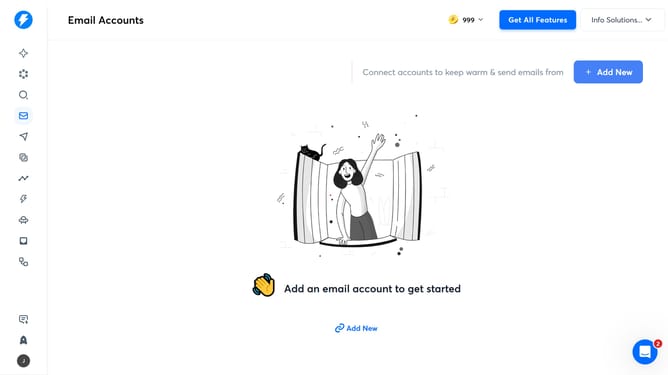
How to add a schedule in a campaign in Instantly
Here is how to add a schedule in a campaign in instantly
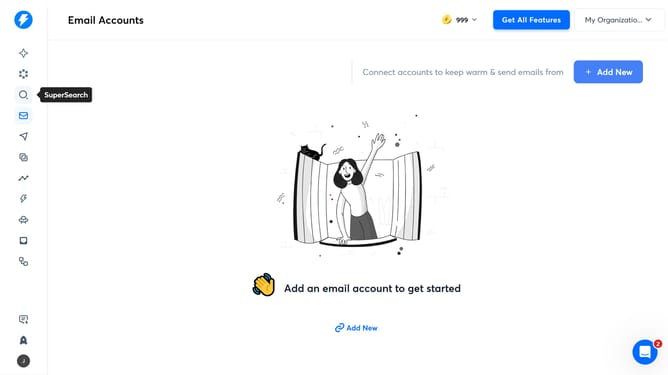
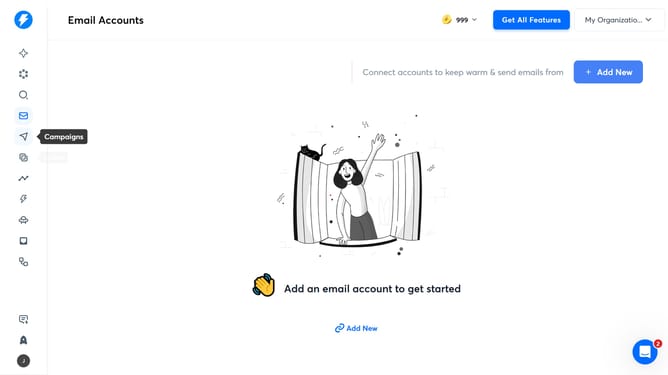
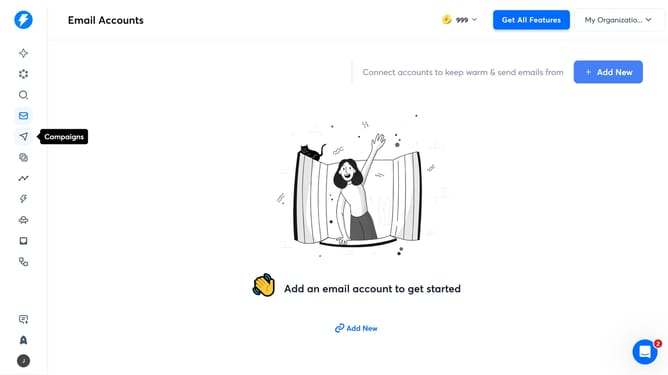
- First click on the "Campaign" icon in the left sidebar
- Then click on the campaign from the campaign list
- Next, click on the "Schedule" tab
- Then click on the "Add schedule" button
- Finally click on the "Save" button
Why should you add a schedule in a campaign in Instantly
Instantly is a powerful tool designed to optimize your email marketing campaigns with ease and efficiency.
One of its standout features is the ability to add a schedule to your campaign, allowing for precise control over timing and delivery. This feature ensures your emails hit inboxes at the most opportune moments, enhancing open rates and engagement.
By scheduling campaigns, you can align email sends with specific time zones, peak activity hours, or strategic marketing plans, ultimately boosting your overall campaign success and reach.
Last update