How to duplicate an automation in Instantly
Here is how to duplicate an automation in instantly
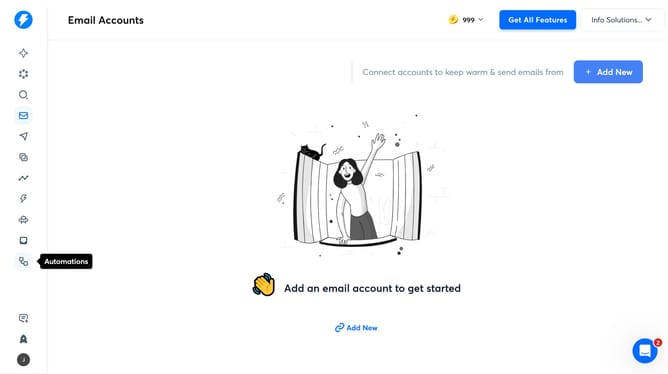
- First click on "Automations" in the sidebar
- Then, click on the 'more options' button
- Next, select the 'Duplicate' option from the dropdown menu
- Finally, click on the 'Duplicate' button to confirm
Why should you duplicate an automation in Instantly
Instantly is a dynamic platform designed to streamline repetitive tasks through smart automation.
Duplicating an automation in Instantly allows you to effortlessly replicate successful workflows, saving valuable time and effort.
This feature is particularly beneficial for those who handle multiple similar processes, ensuring consistency and accuracy across projects.
By leveraging this functionality, users can quickly adapt existing automations to new scenarios, boosting productivity and enabling a more efficient working environment.
Last update