How to add first name in a lead in Instantly
Here is how to add first name in a lead in instantly
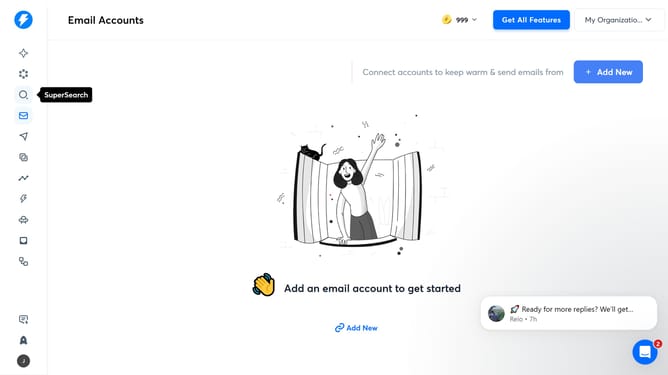
- First click on the "SuperSearch" icon in the left sidebar
- Then click on the "Lead Lists" tab in the top menu
- Next, click on the edit icon next to the list item
- In the right panel, click on "Add Variable" button
- Then click on the dropdown arrow next to "Custom Variable"
- After that, select "First Name" from the dropdown menu
- Then input the variable value in the "Variable Value" field
- Finally click on the "Save" button in the right panel
Why should you add first name in a lead in Instantly
Instantly is a powerful platform designed to amplify your lead generation efforts by personalizing every interaction.
One of its standout features is the ability to seamlessly add a first name to a lead. This specific capability not only enhances personalization but also significantly increases the effectiveness of your outreach.
By incorporating a lead's first name, communications become more targeted and engaging, fostering a connection that can lead to higher conversion rates.
Utilizing this feature ensures your messages are more likely to resonate with each recipient, making your engagement efforts far more successful.
Last update