How to enable open tracking in a campaign in Instantly
Here is how to enable open tracking in a campaign in instantly
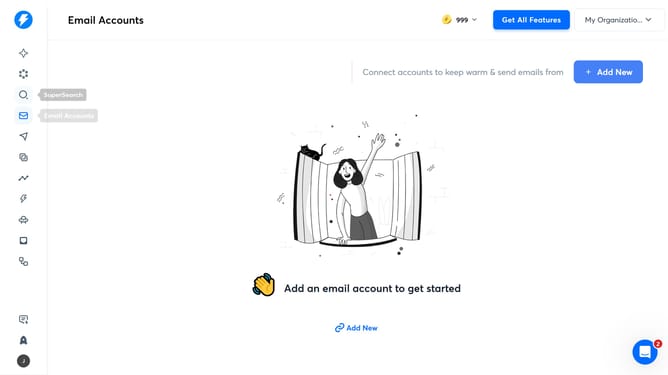
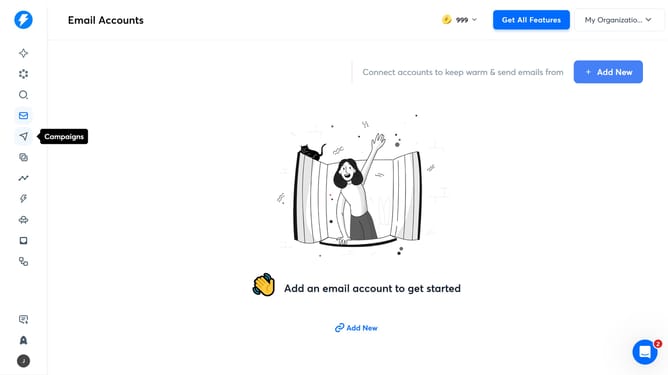
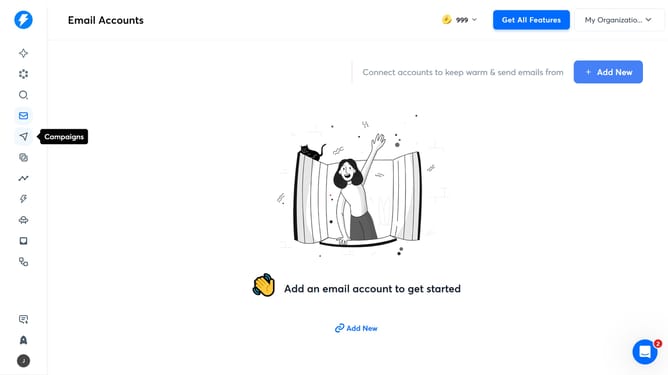
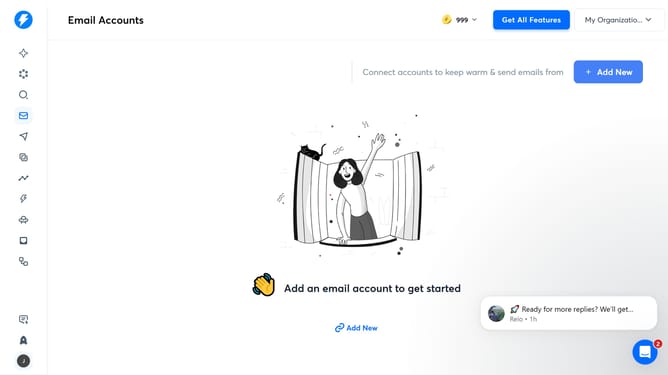
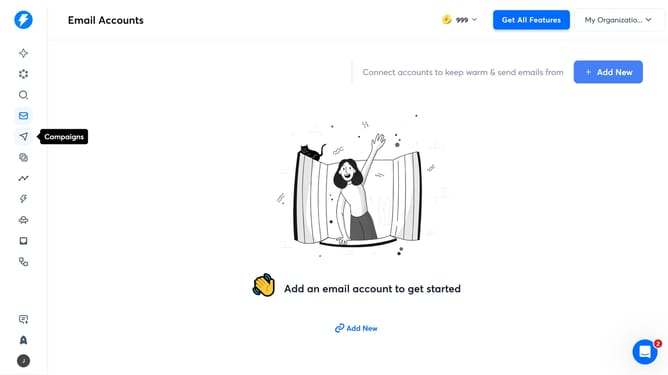
- First click on the send icon in the left sidebar
- Then click on the campaign title to open it
- Then click on "Options" button
- Then click on "Enable" button for open tracking
- Finally click on the "Save" button
Why should you enable open tracking in a campaign in Instantly
Instantly is a dynamic tool for streamlining email campaigns and maximizing outreach effectiveness.
Enabling open tracking in a campaign with Instantly empowers businesses to gain valuable insights into recipient engagement. This feature allows you to measure how many people open your emails, providing critical data to refine your strategies.
Using open tracking, you can enhance your understanding of audience behavior, tailor content to increase engagement, and optimize campaign performance. This leads to making more informed decisions and achieving greater success in communication efforts.
Last update