How to website in a lead in Instantly
Here is how to website in a lead in instantly
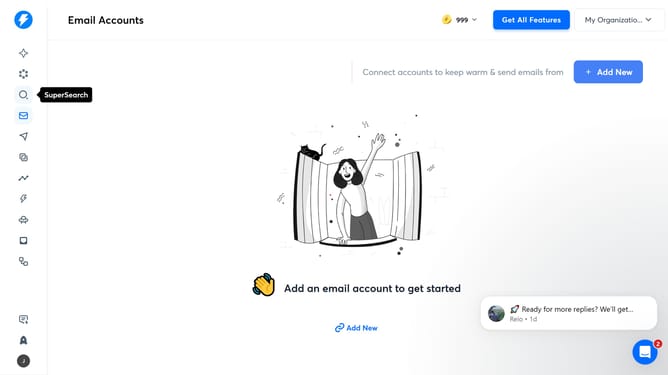
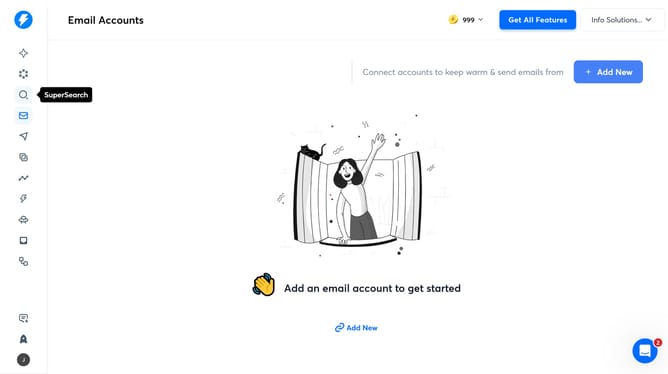
- First click on the "SuperSearch" icon in the left sidebar
- Then click on the "Lead Lists" tab in the top menu
- Next, click on the list in the left sidebar
- Then click on the edit icon next to the number in the list
- In the right panel, click the "Add Variable" button
- In the dropdown menu for "Variable Type", click on "Custom Variable".
- Then select "Website" from the list of variable types
- Enter the website URL in the "Variable Value" field
- Finally, click the "Save" button in the right panel
Why should you website in a lead in Instantly
Instantly is a powerful tool designed to transform website interactions into valuable leads effortlessly.
With its "How to website a lead" feature, Instantly streamlines lead generation by seamlessly capturing visitors’ information right as they engage with your site.
Using this feature helps you convert potential interest into actionable data, ensuring your business never misses an opportunity for meaningful engagement.
The benefits include enhanced engagement, improved conversion rates, and a robust boost to your lead nurturing process, ultimately empowering your growth strategy.
Last update