How to disable provider matching in an email campaign in Instantly
Here is how to disable provider matching in an email campaign in instantly
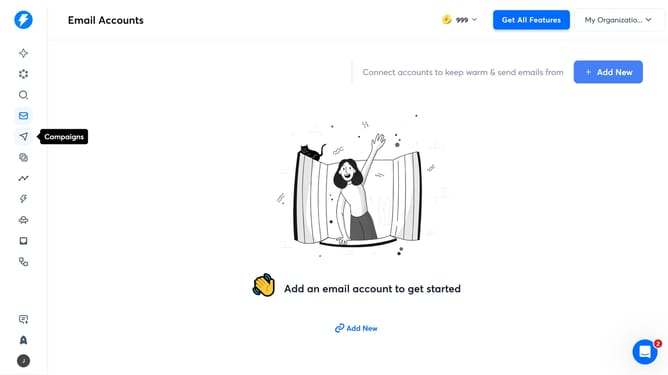
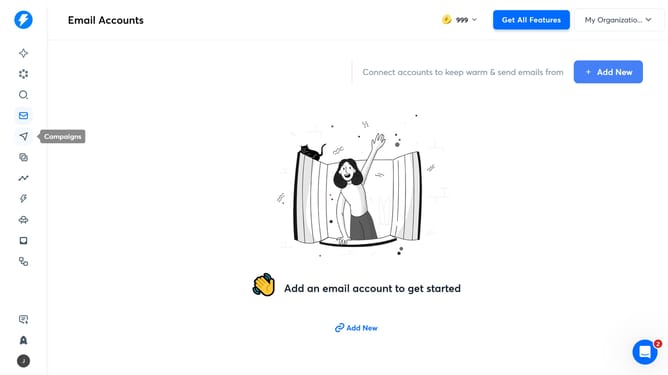
- First, click on the 'Campaigns' icon in the left sidebar
- Then click on the campaign title to open it
- Next, click on the 'Options' button to open the campaign settings
- Then, click on 'Show advanced options' to reveal more settings
- Next, uncheck the checkbox next to 'Enable provider matching for deliverability boost'
- Finally, click on the 'Save' button to save the changes
Why should you disable provider matching in an email campaign in Instantly
Instantly is a powerful tool designed to streamline your email marketing campaigns.
Disabling provider matching in Instantly can significantly enhance your email strategy by allowing greater control over which recipients receive your emails.
This feature is particularly useful when you want to tailor messages to a varied audience without being restricted by predefined criteria.
By turning off provider matching, you can focus on crafting messages that resonate more precisely with each recipient, leading to improved engagement and better results.
Last update