How to add an action in an automation in Instantly
Here is how to add an action in an automation in instantly
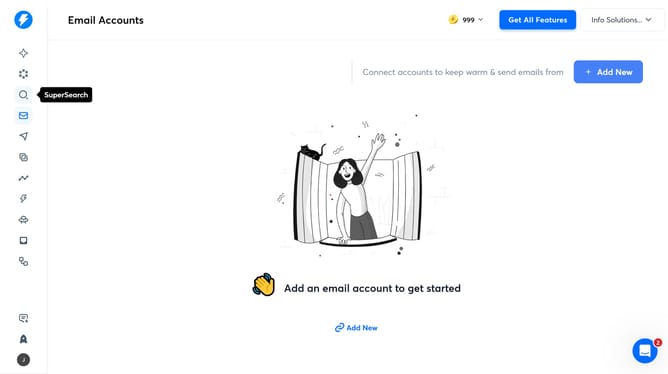
- First click on the "Automations" icon in the left sidebar
- Then click on the automation title in the Automations list
- Next click on the "Add an Action" element on the workflow canvas
- In the "Add an Action" modal, click on "Instantly"
- On the "Instantly" setup page, click on the "Select an action" dropdown
- Then select "Add Lead to List" from the action list
- Next click the "Continue" button
- In the "Add Lead to List" configuration, click on the dropdown
- Then select from the list options
- Next click on the "First Name" input field
- Then click the "Continue" button to proceed
- Next click the "Test Step" button
- Finally click the "Save" button
Why should you add an action in an automation in Instantly
Instantly transforms the way you manage tasks by streamlining your email campaigns effortlessly.
With its intuitive interface, adding an action in an automation enhances workflow by allowing you to implement dynamic, task-oriented steps that execute automatically.
This feature is pivotal in building personalized responses and timely triggers, ensuring that your engagement is both efficient and effective.
Ultimately, it saves you significant time while increasing accuracy and fostering more meaningful connections with your audience.
Last update