How to search leads by industry in Instantly
Here is how to search leads by industry in instantly
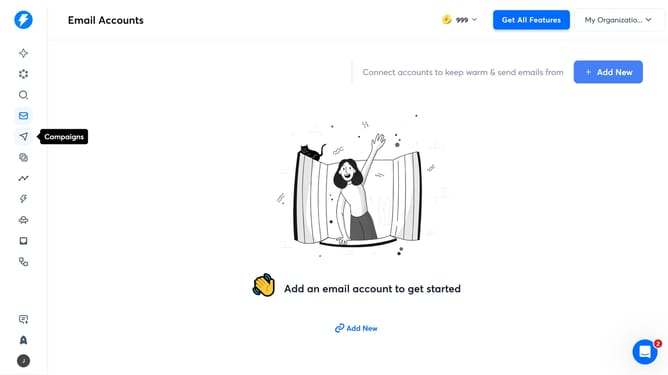
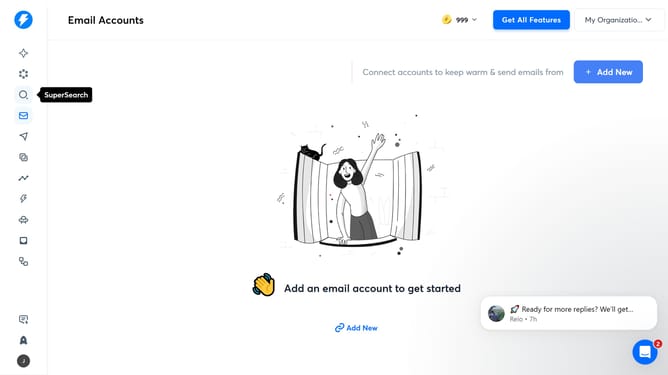
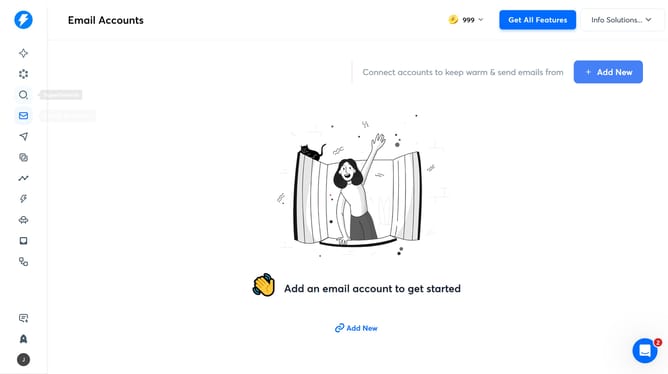
- First click on the "SuperSearch" icon in the left sidebar
- Then click on the "Industries" filter in the left sidebar
- Next click on the "Is Any Of" option under Industries in the left sidebar
- Finally select a checkbox in the Industries filter dropdown
Why should you search leads by industry in Instantly
Instantly is designed to connect businesses with the right audiences effortlessly.
One standout feature is its ability to search leads by industry, streamlining the hunt for potential clients in a specific field.
By targeting specific industries, users can hone in on leads that are most likely to convert, saving time and sharpening their marketing focus.
This feature maximizes efficiency by tailoring searches to meet business needs, ensuring that outreach efforts are both strategic and effective.
Last update