How to add new members in Instantly
Here is how to add new members in instantly
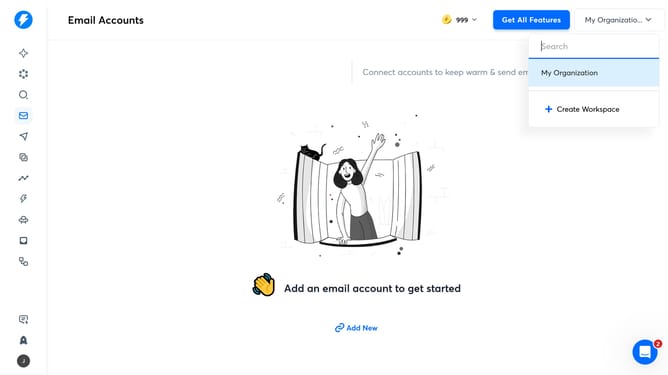
- First click on the user icon in the left sidebar
- Then click on "Settings" in the sidebar menu
- Next click on the "Account & Settings" tab
- Subsequently click on "Workspace & members" in the left settings panel
- Then click on the "Enter email address" input field and enter email address
- After entering the email address, click on the "Admin" dropdown
- Next select a role from the role options dropdown
- Finally click on the "Invite" button
Why should you add new members in Instantly
Instantly is a streamlined tool designed to facilitate seamless collaboration and communication.
Adding new members in Instantly is effortless, promoting efficient teamwork with just a few clicks.
This feature is ideal for scaling up your project team swiftly, ensuring everyone is onboard and aligned from the start.
Using it enhances group productivity, as it allows for immediate access to shared resources and crucial updates.
Last update