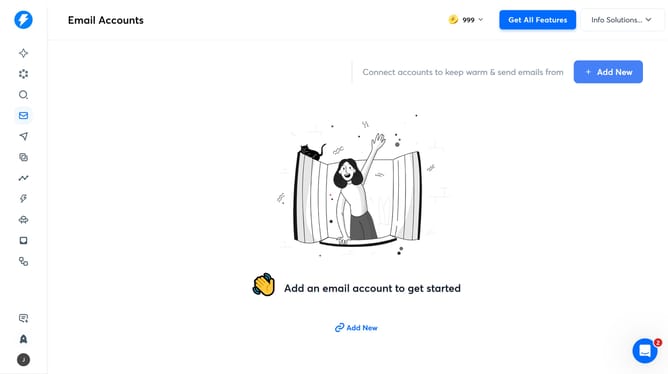
How to enable provider matching in an email campaign in Instantly
Here is how to enable provider matching in an email campaign in instantly
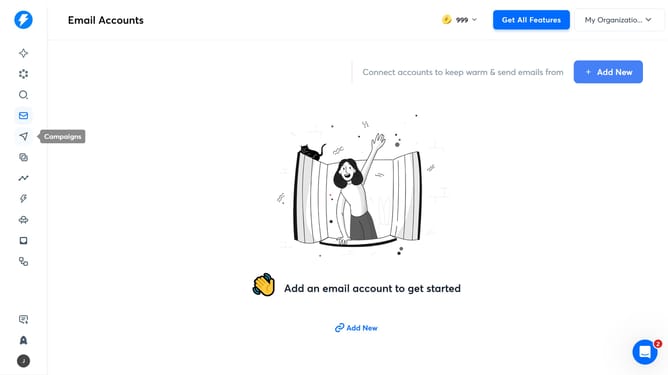
- First, click on the "Send" icon in the left sidebar
- Then click on the campaign title to open it
- Next, click on the "Options" button
- After that, click on the "Show advanced options" dropdown
- Then, click on the checkbox next to "Enable provider matching for deliverability boost"
- Finally, click on the "Save" button
Why should you enable provider matching in an email campaign in Instantly
Instantly is your go-to tool for creating powerful email campaigns that connect.
Enabling provider matching in your email campaigns ensures that your messages are optimized to reach the right audience, using the best email service provider for them.
This feature helps enhance deliverability, ensuring your emails land where they should, boosting both engagement and response rates.
Streamline your communication strategy with provider matching and watch your email campaign's effectiveness soar.
Last update