How to select daily email sending limit in a campaign in Instantly
Here is how to select daily email sending limit in a campaign in instantly
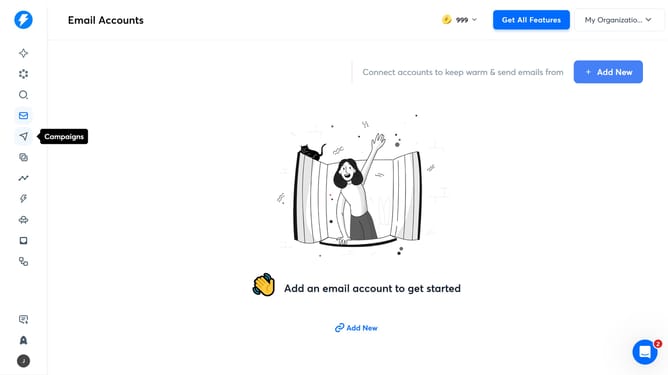
- First, click on the 'Campaigns' icon in the left sidebar
- Then click on the campaign title to open it
- Next, click on the 'Options' button
- Then, enter a value into the 'Daily Limit' input field
- Finally, click on the 'Save' button
Why should you select daily email sending limit in a campaign in Instantly
Instantly is a robust email marketing platform designed to streamline and enhance your campaigns.
Among its many features is the ability to select a daily email sending limit for your campaigns. This feature allows you to manage your outreach effectively, ensuring that your messages are delivered consistently over time, preventing overloads.
By setting a daily limit, Instantly helps maintain your sender reputation, improves deliverability rates, and contributes to strategic campaign pacing, making your marketing efforts more efficient.
Last update