How to disable auto-reply in an email campaign in Instantly
Here is how to disable auto-reply in an email campaign in instantly
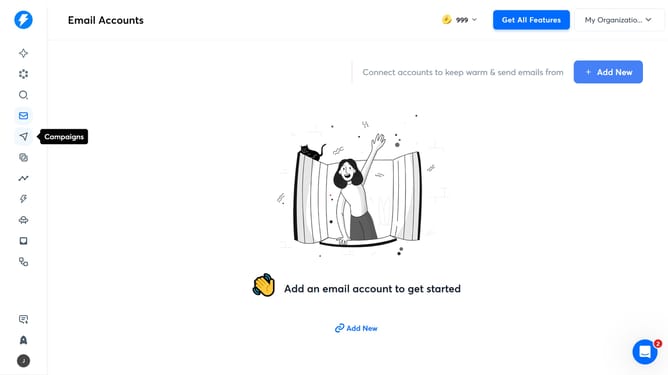
- First, click on the 'Campaigns' icon in the left sidebar
- Then click on the campaign title to open it
- Next, click on the 'Options' button
- Then, click on the 'Show advanced options' dropdown
- Next, click on the checkbox next to 'Stop on auto-reply'
- Finally, click on the 'Save' button
Why should you disable auto-reply in an email campaign in Instantly
Instantly is a powerful platform designed to streamline and enhance email marketing campaigns with ease and efficiency.
The ability to disable auto-replies in an email campaign via Instantly allows marketers to maintain a clean and focused communication channel with their audience. This feature helps in avoiding clutter in inboxes and reduces unnecessary responses that may complicate tracking and analytics.
Utilizing this feature enhances the quality of engagement with recipients by ensuring that only relevant interactions from the campaign are highlighted. This ensures that your message's core objectives are achieved without distraction, leading to more effective and productive campaigns.
Last update