How to remove CC recipients on every email in Instantly
Here is how to remove cc recipients on every email in instantly
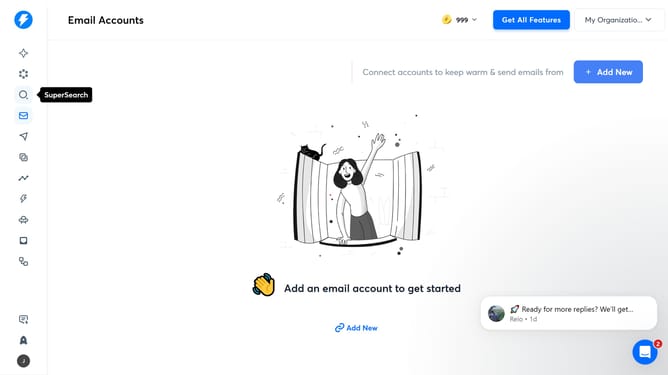
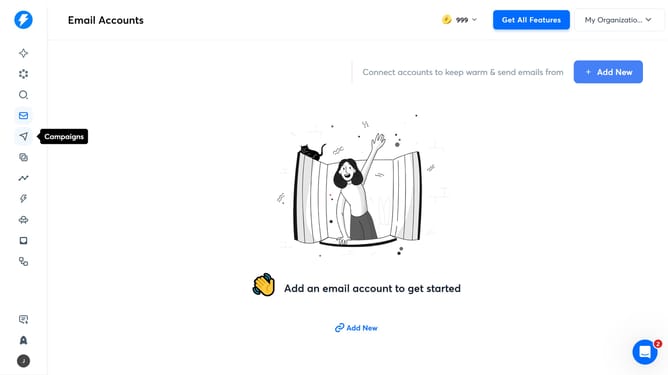
- First click on the Campaigns icon in the left sidebar
- Then click on the campaign title to open it
- Next, click on the "Options" button
- Then delete the email address in the "CC Recipients" input field
- Finally click on the "Save" button
Why should you remove CC recipients on every email in Instantly
Instantly is your go-to tool for seamless email management and organization, designed to enhance your digital communication experience.
One of its standout features is the ability to easily remove CC recipients from every email. This not only streamlines your correspondence but also ensures confidentiality and a more focused communication flow.
By using this feature, you're safeguarding sensitive information while maintaining a clutter-free inbox, enhancing both efficiency and security in your email interactions.
Last update