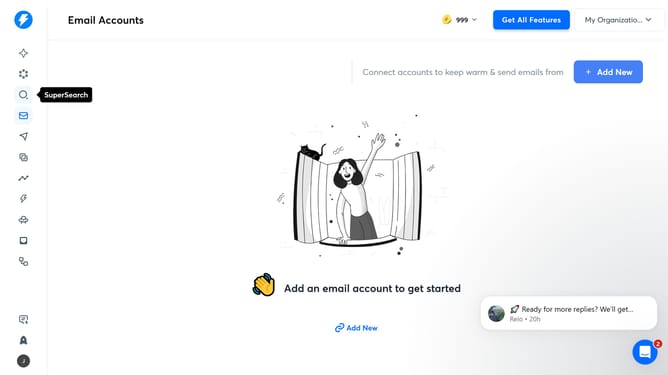
How to delete a tag in Instantly
Here is how to delete a tag in instantly
- First click on the settings icon in the left sidebar
- Then click on "Settings" in the left sidebar menu
- Next click on "Account & Settings" in the top navigation bar
- Then click on "Custom Tags" in the left options menu
- Next click on the delete icon for the tag you wish to remove
- Finally click on the "Delete" button in the confirmation pop-up
Why should you delete a tag in Instantly
Instantly is a powerful tool designed to streamline your email marketing and reach your audience efficiently.
One of its useful features is the ability to delete tags, which can significantly enhance your organizational workflow.
Removing unnecessary or outdated tags helps to keep your campaigns clean, making it easier to focus on relevant engagements.
This feature not only declutters your workspace but also optimizes your email segmentation, leading to more effective communication strategies.
Last update