How to add leads from a CSV file in a campaign in Instantly
Here is how to add leads from a csv file in a campaign in instantly
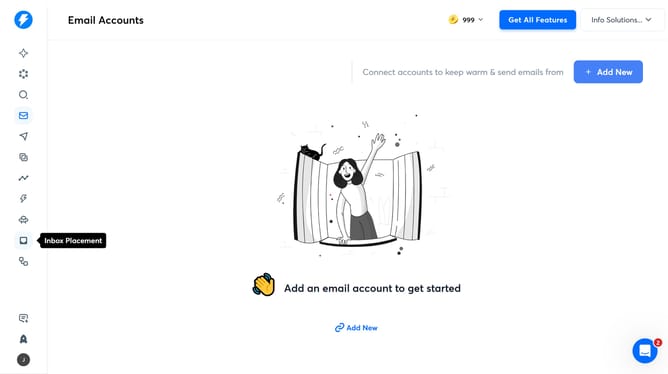
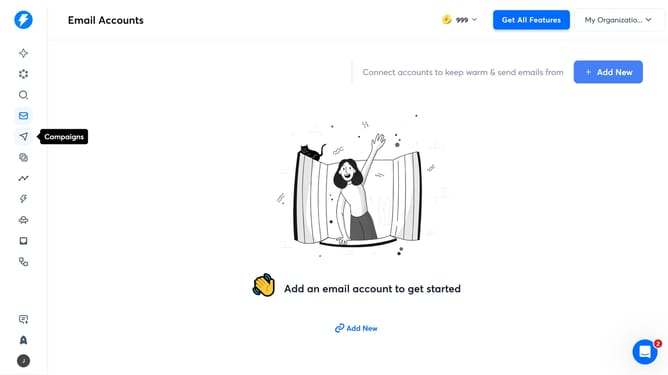
- First click on the 'Campaigns' icon in the left sidebar
- Then click on a Campaign from the list of campaigns
- In the campaign details page, click on the 'Leads' tab
- Next, click on the 'Add Leads' button
- Then click on the 'Upload CSV' button
- After that, click on the 'Click to upload' button to select your CSV file
- Then click on the 'Verify leads' checkbox
- Finally, click on the 'Upload All' button
- In the confirmation dialog, click on the 'Ok' button
Why should you add leads from a CSV file in a campaign in Instantly
Instantly is an intuitive tool designed to streamline lead management and enhance your marketing campaigns.
One standout feature of Instantly is the ability to effortlessly add leads from a CSV file into a campaign, providing a seamless integration experience for users.
This feature allows you to quickly consolidate and upload vast amounts of data, ensuring that your campaigns are enriched with quality leads.
By using this efficient method, you can save valuable time, maintain data accuracy, and focus more on crafting engaging content and strategies that deliver results.
Last update