How to delete logo for workspace in Instantly
Here is how to delete logo for workspace in instantly
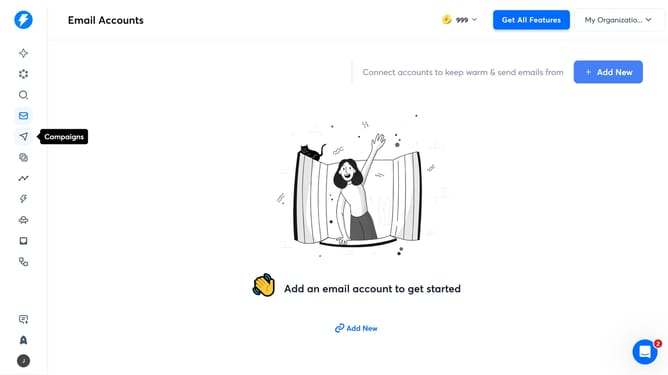
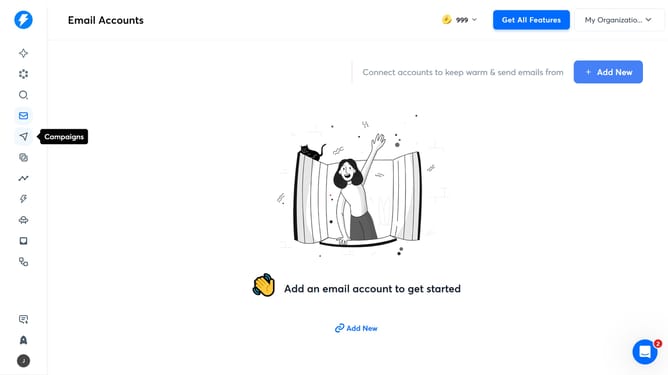
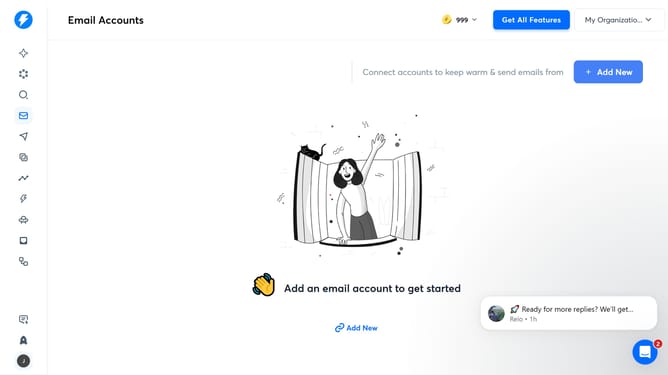
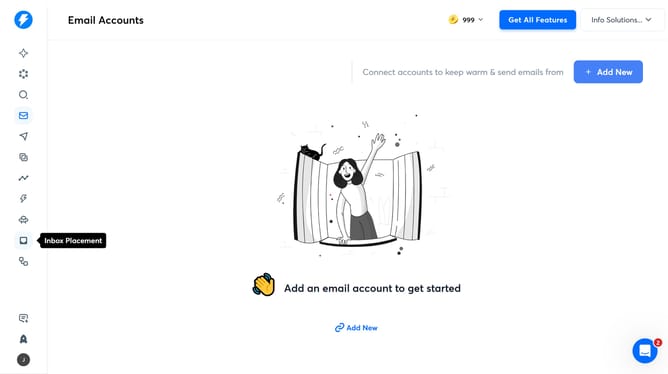
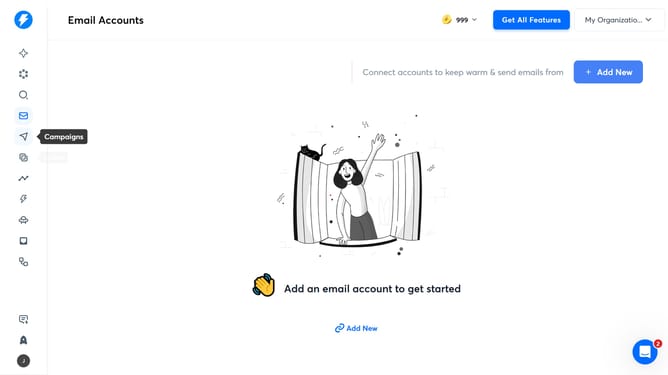
- First click on the user profile icon in the left sidebar
- Then click on the "Settings" option in the sidebar menu
- Next, select the "Account & Settings" tab from the top menu
- After that, click on the "Agency" option in the left sidebar subsection
- Finally, click on the trash can icon to delete the logo
Why should you delete logo for workspace in Instantly
Instantly is a powerful platform designed to streamline workspace management efficiently.
The ability to delete a logo for a workspace in Instantly is a feature that caters to user preferences and needs. It offers a way to keep workspace branding flexible and up-to-date.
This feature benefits users by allowing them to make quick adjustments that reflect current branding strategies, ensuring consistency without hassle. It's an essential tool for businesses aiming to maintain a cohesive brand identity in dynamic environments.
Last update