How to add description in an inbox placement test in Instantly
Here is how to add description in an inbox placement test in instantly
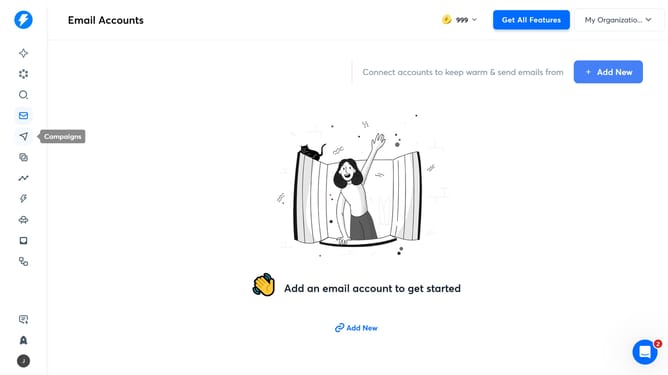
- First click on the "Inbox Placement" icon in the left sidebar
- Then click on a title item in the table
- Next, click on the "Test Configuration" tab
- Then click on the "Description" input field and enter your description
- Finally click on the "Update" button
Why should you add description in an inbox placement test in Instantly
Instantly is an innovative platform designed to enhance email marketing through advanced toolsets and insights.
Adding descriptions to the inbox placement test is a standout feature of Instantly. It allows marketers to succinctly articulate the purpose and objectives of their email campaigns.
This feature makes understanding test results more intuitive, ensuring that team members are aligned on the campaign goals.
By leveraging this feature, users can greatly improve communication efficiency, streamline campaign analysis, and drive better results across their email marketing efforts.
Last update