How to enable analytics for Instantly Copilot in Instantly
Here is how to enable analytics for instantly copilot in instantly
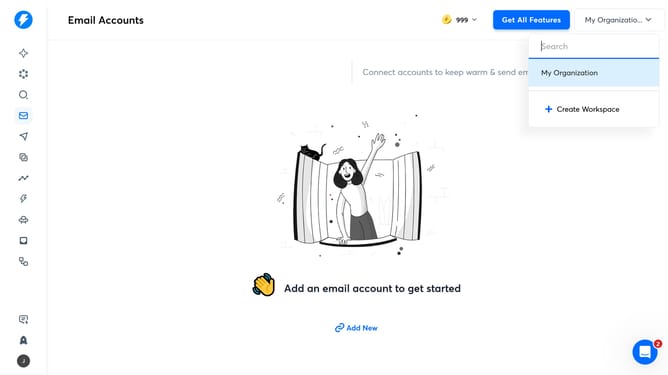
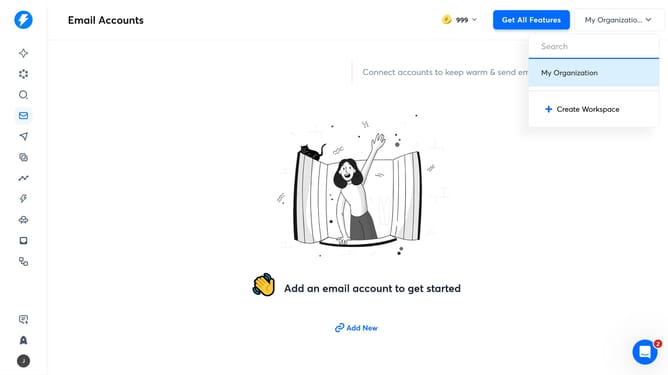
- First click on the star icon in the left sidebar
- Then click on "Settings" in the left sidebar
- Next click on the "Enable" button
- Finally click on the "Save" button
Why should you enable analytics for Instantly Copilot in Instantly
Instantly is an innovative tool designed to enhance productivity through intuitive automation.
Enabling analytics for Instantly Copilot amplifies your ability to make data-driven decisions effortlessly. By activating this feature, users gain comprehensive insights into operations, facilitating smarter planning and execution.
This functionality transforms raw data into actionable intelligence, empowering users to optimize workflows and boost overall effectiveness without unnecessary complexity.
Experience streamlined processes and improved outcomes, all by simply leveraging the power of analytics within Instantly Copilot.
Last update