How to save searches in Instantly
Here is how to save searches in instantly
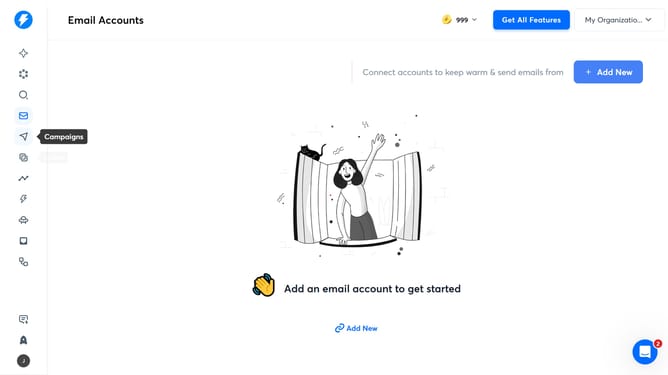
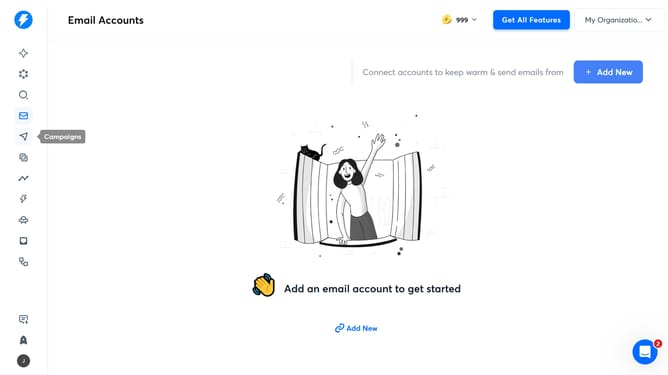
- First click on the search icon in the sidebar
- Then click on the "Job Titles" filter in the left panel
- Next, select "Management Levels" from the dropdown menu
- After that, click on the "Entry level" checkbox
- Then click on the "Save Search" icon
- Next, type a search title into the "Name of Search" input field
- Finally, click the "Save" button
Why should you save searches in Instantly
Instantly is a dynamic tool designed to streamline your search processes and enhance productivity.
One standout feature is the ability to save searches, which revolutionizes how you manage information. By saving searches, you maintain easy access to frequently needed data without the hassle of re-entry.
This function boosts efficiency by ensuring you're always equipped with the right information at your fingertips, reducing time spent on repetitive tasks, and allowing you to focus on more critical projects.
Last update