How to add LinkedIn link in Instantly
Here is how to add linkedin link in instantly
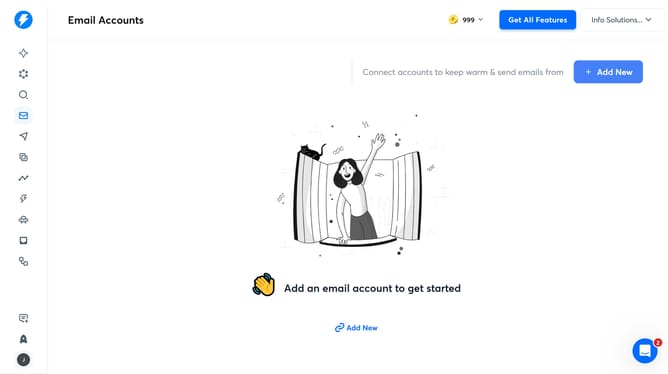
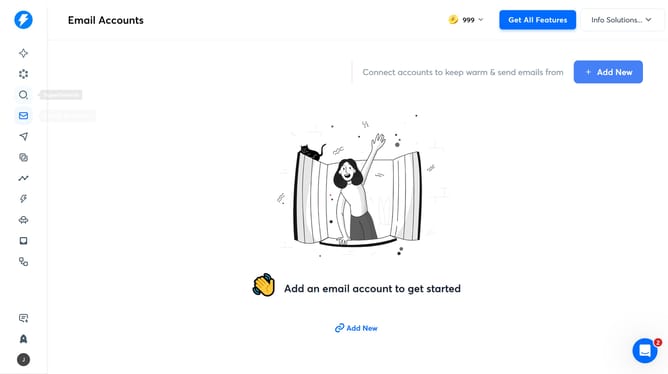
- First click on the search icon in the left sidebar
- Then click on the "Lead Lists" tab in the top menu
- Next, click on the edit icon next to the number
- Then click on the "+ Add Variable" button
- After that, click on the "Variable Type" dropdown
- Then select "LinkedIn" from the dropdown options
- Next, click on the "Variable Name" input field and enter information
- Then click on the "Variable Value" input field and enter link
- Finally click on the "Save" button
Why should you add LinkedIn link in Instantly
Instantly is a dynamic tool designed to streamline online networking and engagement.
Adding a LinkedIn link in Instantly enhances connectivity by integrating professional profiles directly into your communications. This seamless connection fosters trust and encourages meaningful interactions, expanding your network effortlessly.
The ability to showcase your LinkedIn profile within Instantly opens doors to personalized connections, making sure you stand out in professional exchanges.
Last update