How to change language in Instantly
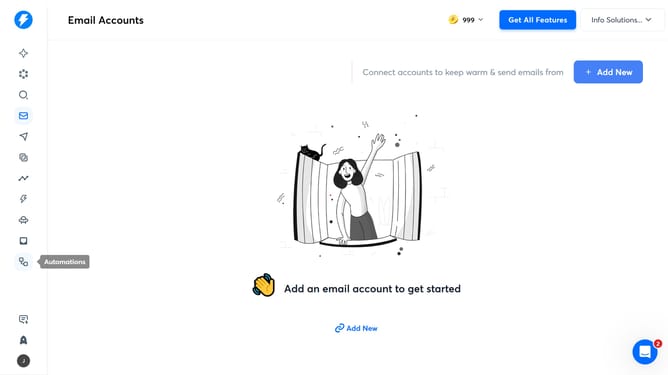
Here is how to change language in instantly
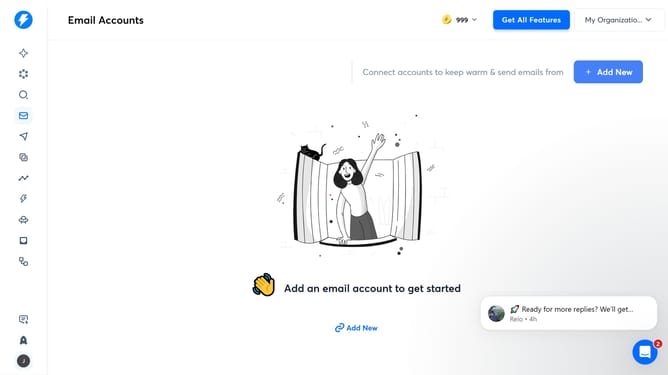
- First click on the user icon in the left sidebar
- Then click on "Settings" link in the left sidebar.
- Then click on "Preferences" tab in the top menu
- Then click on the dropdown in the Language section
- Next select from the language options
- Finally click on the save button to save the changes
Why should you change language in Instantly
Instantly is a versatile platform designed to streamline communication and enhance productivity across languages.
The ability to change language in Instantly is a vital feature for users worldwide. It ensures that language barriers are effortlessly overcome, promoting a smooth user experience.
Customizing the language allows users to interact in their preferred tongue, making it more accessible and user-friendly.
This adaptability enhances understanding and engagement, ensuring that users can fully explore and benefit from all that Instantly has to offer, regardless of linguistic background.
Last update