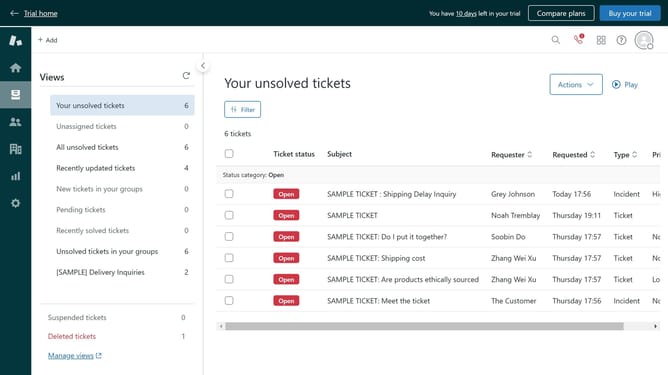
How to open Admin Center in Zendesk
Here is how to open admin center in zendesk
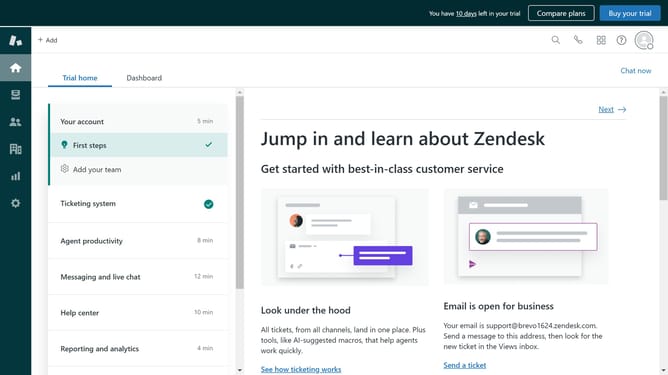
- First log into your Zendesk account and click on the "Zendesk Products" icon in the top-right corner of the header
- Then select "Admin Center" option from the dropdown menu
- The Admin Center will open, giving you access to various configuration and management options
Why should you open Admin Center in Zendesk
Zendesk is a powerful customer service platform designed to enhance communication and streamline support solutions.
Opening the Admin Center in Zendesk is a gateway to efficiently managing your support operations.
This feature provides centralized access to tools that empower you to customize, monitor, and optimize your support channels.
Utilizing the Admin Center enhances operational efficiency and ensures your team can deliver outstanding customer experiences seamlessly.
Last update