How to merge contacts in HubSpot?
Here is how to merge contacts in hubspot
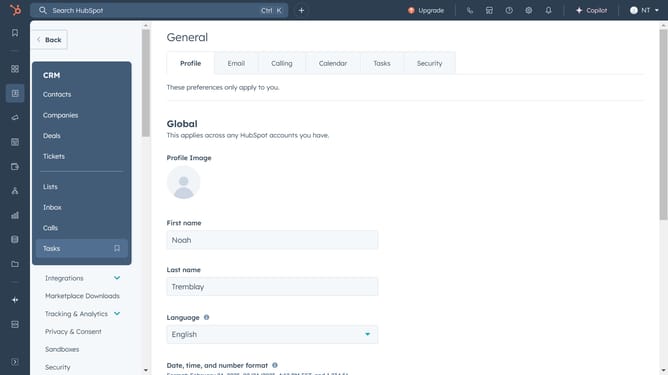
- First, click on "CRM" in the left sidebar
- Then select "Contacts" to view your contact list
- Open the contact profile you want to merge
- Next, click on "Actions"
- Select "Merge" option from the dropdown menu
- Search for the secondary contact you wish to merge with the primary one
- Finally, click on the "Merge" button to complete the process
Why should you merge contacts in HubSpot?
HubSpot is a versatile platform designed to empower businesses with tools for marketing, sales, and customer service success.
The feature to merge contacts in HubSpot streamlines your contact database, ensuring cleaner, more organized records. By combining duplicate or similar entries into a single, comprehensive contact profile, you reduce the clutter and enhance efficiency.
This process not only refines data accuracy but also fosters better communication and relationship management. Enjoy precise segmentation and targeted outreach, driving both engagement and growth.
Last update