How to mark checklist items as complete in ClickUp
Here is how to mark checklist items as complete in clickup
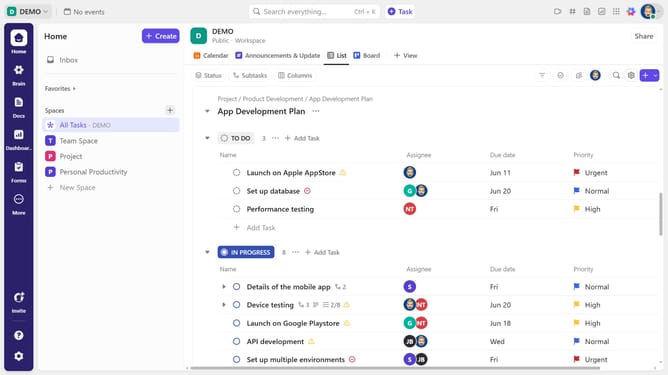
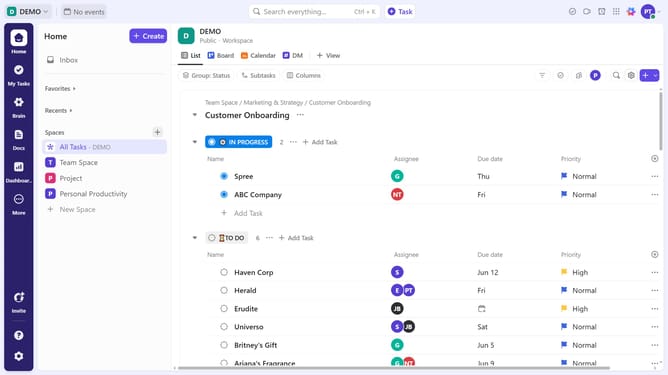
- First in the task list, find and click on the task containing the checklist
- Then in the task details view, scroll down to the "Checklists" section
- Locate the specific items you want to mark as complete, then click the checkbox next to each one
- Checklist items have been successfully marked as complete, ensuring a clean workflow and accurate task tracking
Why should you mark checklist items as complete in ClickUp
ClickUp is an innovative productivity platform designed to streamline teamwork and elevate project management.
The ability to mark checklist items as complete in ClickUp is a straightforward yet powerful feature that enhances organization and focus.
This intuitive action helps users track progress in real-time, ensuring transparency and alignment within teams.
Utilizing this feature can boost productivity by providing a clear visual of what tasks have been accomplished, helping users maintain momentum and meet deadlines efficiently.
Last update