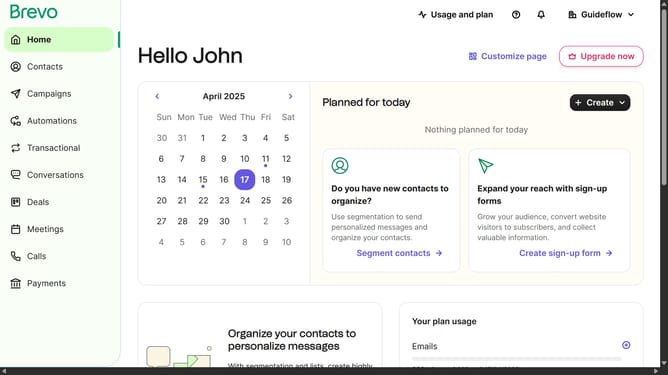
How to make the campaigns on an email in Brevo
Here is how to make the campaigns on an email in brevo
- First click on the "Campaigns" item in the left sidebar
- Then click on "Create campaign" button on the top right corner
- Then select "Email" option from the campaign types
- Next click on the input text field and type your campaign name
- Then click on the "Create campaign" button to proceed
- Next click "Start designing" button in the Design section
- Then click on the "Campaigns" tab in the Design section
- Finally click "Use template" button in the template layout
Why should you make the campaigns on an email in Brevo
Brevo is a dynamic platform designed to elevate your email marketing strategies effortlessly.
Creating campaigns on Brevo is a breeze, offering intuitive features that cater to both beginners and seasoned marketers. This platform allows for seamless customization, ensuring your messages resonate with your audience.
With Brevo, targeting specific segments is straightforward, leading to improved engagement and higher conversion rates. By streamlining campaign creation, you save time while ensuring your emails are always on point, aligning perfectly with your marketing goals.
Last update