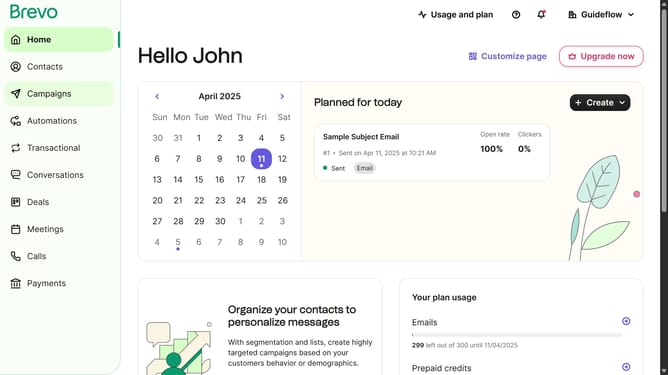
How to produce a pop up card in Brevo
Here is how to produce a pop up card in brevo
- First click on the "Contacts" item in the left sidebar menu
- Then click on "Forms" in the left sidebar submenu
- Next click on the "Create sign-up form" button in the top right corner
- Then click on the "Pop-up" form type option
- In the form name field, click to enter the form name
- Finally click on the "Create form" button at the bottom right
Why should you produce a pop up card in Brevo
Brevo is an innovative platform designed to enhance your creativity and productivity with its unique features.
One of the standout features in Brevo is the ability to effortlessly produce pop-up cards. This function allows users to infuse interactivity and visual appeal into their projects, making presentations and messages more engaging.
By using pop-up cards, you can capture attention and convey information more effectively, ultimately enhancing communication and leaving a memorable impression on your audience.
Last update