How to edit an integration in Brevo
Here is how to edit an integration in brevo
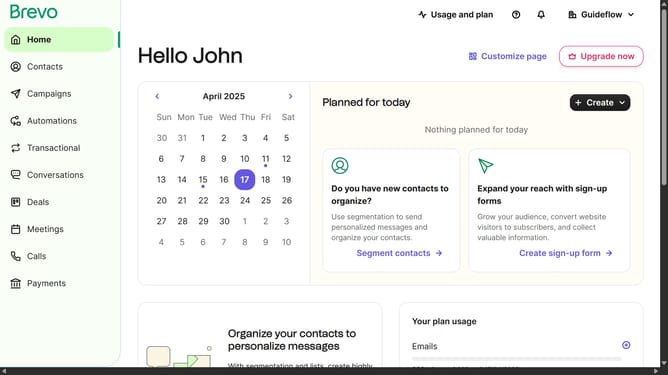
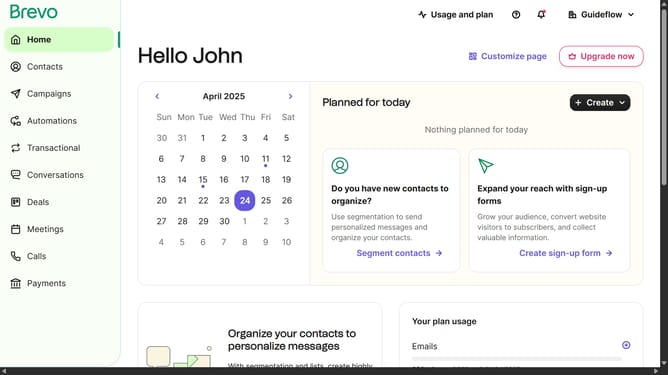
- First click on the "Guideflow" button in the top navigation bar
- Then click on "Plugins & Integrations" option in the dropdown menu
- Next click on the "My Integrations" tab in the Plugins & Integrations page
- Next click on the toggle switch in the active Sync Contacts integration card
- Then click on the "Edit settings" option from the dropdown menu
- Finally click on the synchronization option to configure the sync settings
Why should you edit an integration in Brevo
Brevo is a versatile platform designed to streamline your business communications with seamless integrations.
Editing an integration in Brevo is straightforward, allowing you to quickly adapt to new business needs without hassle. This feature empowers users to update and personalize their existing integrations, ensuring they remain aligned with evolving operational goals.
By fine-tuning integrations, Brevo helps maintain optimal efficiency and fosters better connectivity across various platforms. This dynamic adaptability provides businesses with a distinct advantage, ensuring they stay agile and responsive in a fast-paced digital environment.
Last update