How to install Source Editor in Confluence
Here is how to install source editor in confluence
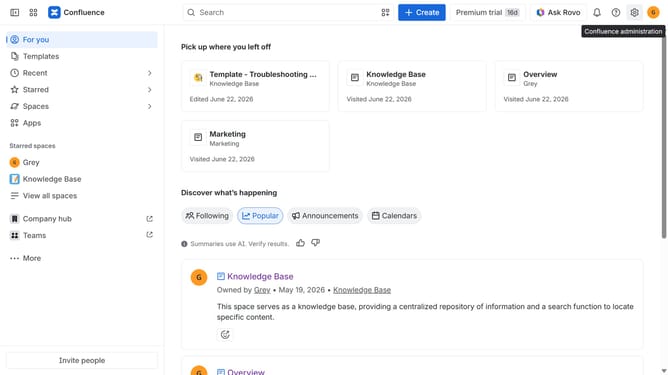
- First click on "Apps" in the navigation
- Next, select the "Explore more apps" option
- From the list, locate "Source Editor for Confluence" and click on it to open the app details page
- After that, click on the "Try it free" button
- Select the Confluence site where it will be installed
- Then click on the "Review" button to proceed
- Review the app details, permissions, and other information
- Finally, click on the "Start free trial" button
Why should you install Source Editor in Confluence
Confluence is an intuitive collaboration tool designed to help teams create, share, and store knowledge seamlessly.
Integrating the Source Editor in Confluence enables users to access and manipulate the underlying code of their Confluence pages effortlessly.
This feature not only empowers users to make precise customizations but also enhances the flexibility and control over the visual output of content.
By installing the Source Editor, teams can optimize page designs and improve content management while facilitating more effective teamwork.
Last update