How to install Multivote & Enterprise Survey in Confluence
Here is how to install multivote & enterprise survey in confluence
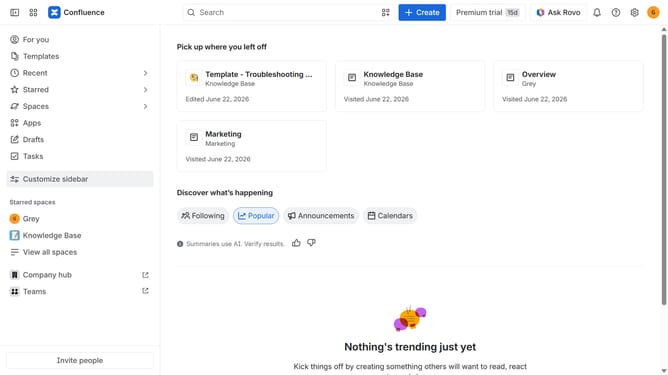
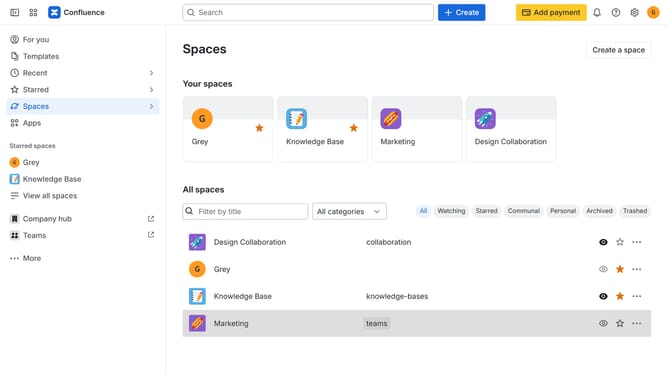
- First click on "Apps" in the navigation
- Next, select the "Explore more apps" option
- From the list, locate "Multivote & Enterprise Survey" and click on it to open the app details page
- After that, click on the "Try it free" button
- Select the Confluence site where it will be installed
- Then click on the "Review" button to proceed
- Review the app details, permissions, and other information
- Finally, click on the "Start free trial" button
Why should you install Multivote & Enterprise Survey in Confluence
Confluence is a dynamic workspace tailored to streamline team collaboration and document sharing.
Installing the Multivote & Enterprise Survey feature enhances Confluence by offering seamless feedback collection and participatory decision-making processes.
This addition allows teams to gather structured insights, fostering a culture of informed decision-making and agile project management.
Harnessing these features not only enriches collaborative efforts but also transforms workplace dynamics with enhanced engagement and efficiency.
Last update