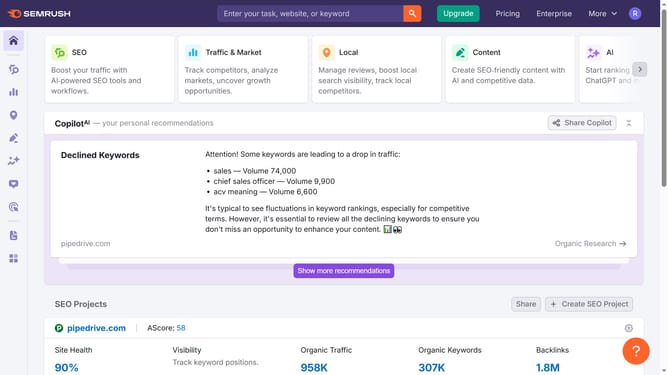
How to identify top organic competitors in Semrush
Here is how to identify top organic competitors in semrush
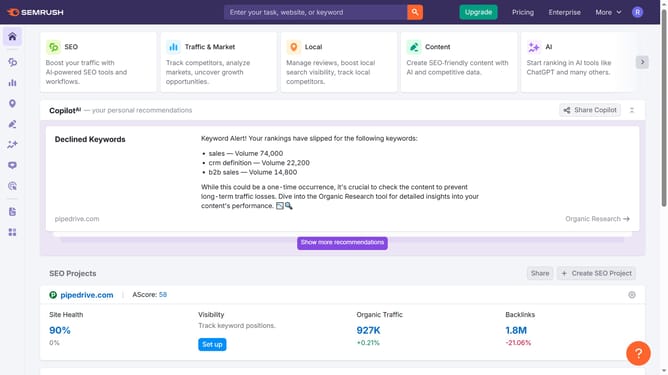
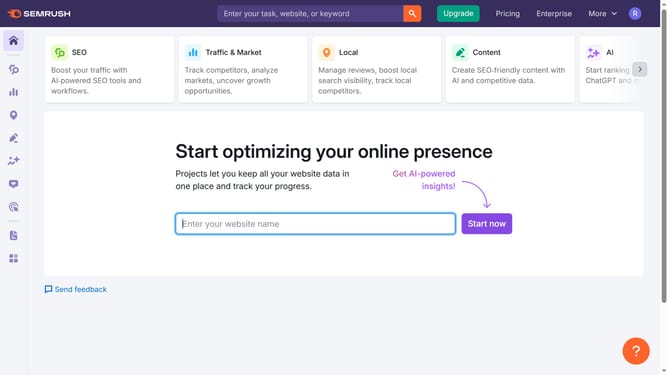
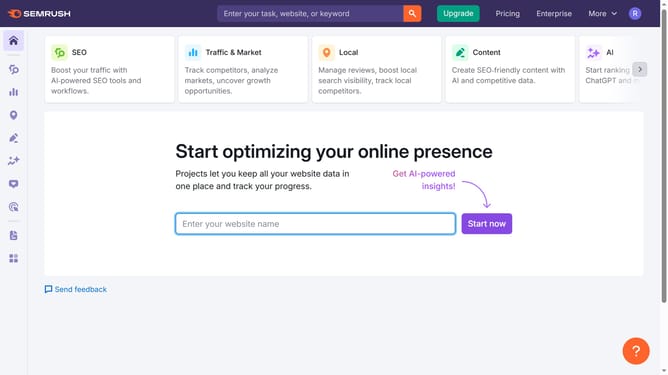
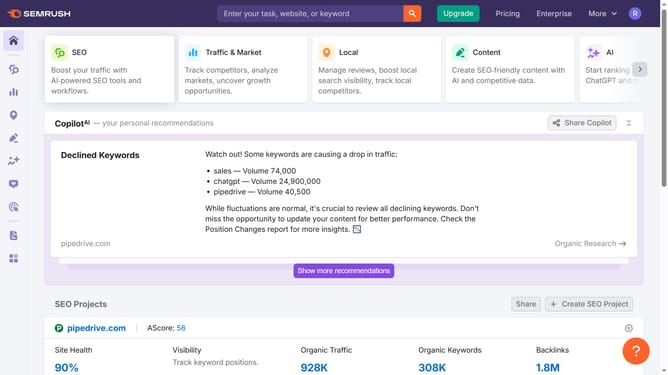
- First click on the "SEO" tab in the main navigation menu
- In the left-hand sidebar, click "Organic Research" under the "Competitive Research" section
- Enter your domain in the domain input field
- Click "Search" to open the Organic Research report
- Navigate to the "Competitors" tab
- Scroll down to the list under “Organic Competitors” to see domains ranking for similar keywords
- Check the “Competition Level” and number of common keywords to gauge rivalry strength
Why should you identify top organic competitors in Semrush
Semrush is a dynamic tool designed to boost your online visibility by providing expert insights into your digital marketing strategy.
Identifying top organic competitors in Semrush unveils who you're up against in the search engine rankings. This feature allows you to see which competitors are gaining traction in your industry, offering insights into their successful keywords and strategies.
Understanding your top organic competitors helps refine your strategy, allowing for improved targeting and increased online presence. Leveraging this knowledge can enhance your SEO efforts, ensuring you stay ahead in the market.
Last update